Business Automation Guide
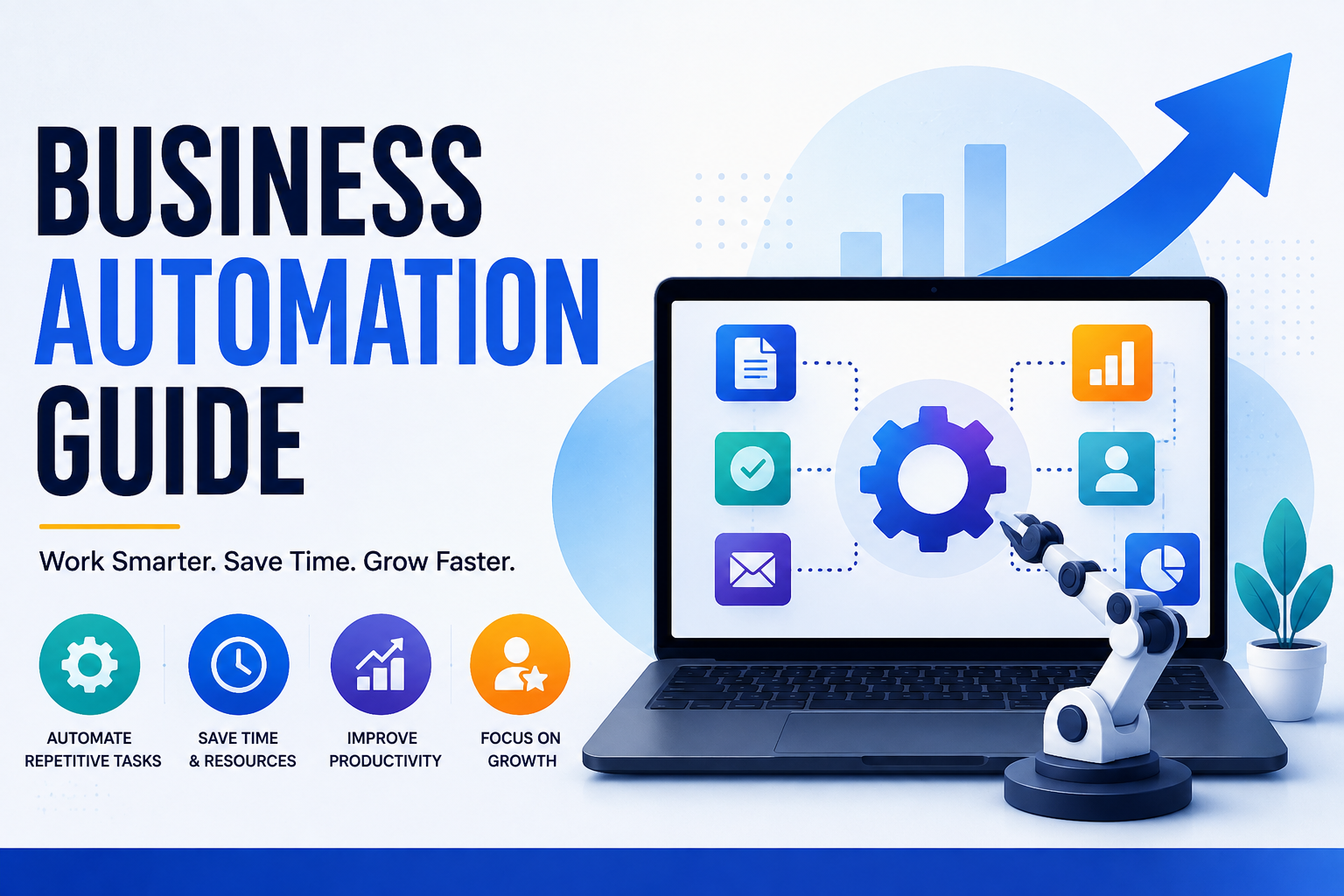
Business automation has become one of the most important drivers of productivity, efficiency, and innovation in today’s digital economy. Organizations of all sizes are using automation technologies to streamline repetitive tasks, reduce operational costs, improve accuracy, and free employees to focus on higher-value work.
From automating customer support and financial reporting to managing inventory and marketing campaigns, automation is transforming how businesses operate. Advances in artificial intelligence (AI), cloud computing, robotic process automation (RPA), and workflow management platforms have made automation more accessible than ever before.
Businesses no longer need large IT departments to implement powerful automation solutions. Modern platforms can connect applications, trigger actions, process information, and coordinate workflows with relatively little manual intervention.
For a broader understanding of the software systems that support modern organizations, see the Complete Guide to Business Software.
This guide explains what business automation is, why it matters, the technologies behind it, common use cases, implementation strategies, challenges, and the future of intelligent business operations.
What Is Business Automation?
Business automation is the use of software, digital technologies, and automated workflows to perform business processes with minimal human intervention.
Automation can handle activities such as:
- Data entry
- Customer communication
- Invoice processing
- Inventory management
- Employee onboarding
- Marketing campaigns
- Reporting
- Workflow approvals
- Document processing
- Notifications
- Data synchronization
The goal is not simply to eliminate human involvement. Instead, business automation is intended to make processes faster, more consistent, and less dependent on repetitive manual work.
A well-designed automated process allows employees to concentrate on tasks that require judgment, creativity, communication, and decision-making.
Why Business Automation Matters
Modern businesses operate in increasingly competitive and fast-paced environments.
As organizations grow, the number of routine tasks they perform can increase dramatically. Employees may spend significant amounts of time copying information between applications, sending repetitive emails, updating records, generating reports, or requesting approvals.
Automation can help organizations:
- Save time
- Reduce operating costs
- Improve productivity
- Minimize human error
- Increase consistency
- Enhance customer experiences
- Improve scalability
- Support business growth
- Improve visibility into processes
- Reduce administrative workloads
By automating repetitive work, employees can spend more time on strategic, creative, and customer-facing responsibilities.
However, automation should be viewed as a business improvement strategy rather than simply a technology project.
The most effective implementations begin by identifying a process that needs improvement and then determining whether automation is the appropriate solution.
How Business Automation Works
Automation systems generally follow predefined rules, triggers, or intelligent algorithms to complete tasks automatically.
A typical automated workflow may involve:
- A triggering event occurs.
- The system collects relevant information.
- Data is processed.
- Business rules are applied.
- An action is performed.
- Employees or customers receive notifications.
- Records are updated.
- The workflow continues or ends.
For example, when a customer submits an online form, an automated workflow might create a customer record, notify a sales representative, send a confirmation email, and schedule a follow-up task.
Many modern platforms allow businesses to create these workflows through visual interfaces without requiring extensive programming knowledge.
Common Types of Business Automation
Businesses can automate processes across almost every department.
Popular categories include:
- Marketing automation
- Sales automation
- Customer service automation
- Finance automation
- Human resources automation
- Inventory automation
- IT automation
- Operations automation
- Document automation
- Workflow automation
- Data integration
- Reporting automation
Each category addresses different operational requirements, although modern platforms increasingly combine several automation capabilities.
For example, a customer-management platform might automatically capture a lead, assign it to a salesperson, send a follow-up message, update the sales pipeline, and record the interaction.
Marketing Automation
Marketing teams use automation to engage customers more efficiently and consistently.
Common marketing tasks include:
- Email campaigns
- Lead nurturing
- Customer segmentation
- Social media scheduling
- Campaign analytics
- Personalized messaging
- Customer journeys
- Performance reporting
- Lead scoring
Marketing automation can help organizations deliver relevant communications based on customer actions.
For example, a business might automatically send a welcome message when someone subscribes to a mailing list and follow it with additional communications based on whether the recipient interacts with the first message.
Automation therefore allows marketing teams to manage larger customer journeys without manually performing every step.
Sales Automation
Sales teams benefit from automation because many sales processes involve repetitive administrative work.
Examples include:
- Lead management
- Customer record updates
- Sales follow-ups
- Appointment scheduling
- Proposal generation
- Pipeline tracking
- Quote creation
- Sales forecasting
- Task assignment
- Customer notifications
Sales automation can reduce the amount of time representatives spend maintaining records.
When connected with customer relationship management systems, automated workflows can also ensure that information remains updated across different stages of the sales process.
Organizations looking to understand customer-management technology in greater depth can explore What Is CRM Technology?.
Customer Service Automation
Customer support has become faster and more scalable through automation.
Popular solutions include:
- AI chatbots
- Self-service portals
- Automated ticket routing
- Knowledge bases
- Appointment booking
- Customer notifications
- Service status updates
- Feedback collection
- Automated follow-ups
A support system might automatically categorize an incoming request, determine its priority, assign it to the appropriate team, and notify the customer that the request has been received.
Automation can improve response times while allowing human support representatives to concentrate on complicated issues.
However, organizations should avoid automating every customer interaction. Some situations require empathy, judgment, negotiation, or specialized knowledge.
Finance and Accounting Automation
Financial processes often involve large amounts of repetitive administrative work.
Businesses may automate:
- Invoice processing
- Expense tracking
- Payroll
- Financial reporting
- Tax documentation
- Payment reminders
- Budget monitoring
- Account reconciliation
- Approval workflows
For example, an automated invoice workflow can receive a digital invoice, extract relevant information, match it against purchasing records, route it for approval, and send it to accounting for payment.
Automation can reduce processing time and improve consistency, but financial workflows require appropriate controls because errors can have significant consequences.
Human Resources Automation
Human resources departments can use automation throughout the employee lifecycle.
Examples include:
- Recruitment
- Resume screening
- Employee onboarding
- Leave management
- Performance reviews
- Training assignments
- Payroll processing
- Benefits administration
- Employee notifications
- Document collection
An automated onboarding process might send new employees required documents, create accounts, schedule training, notify relevant departments, and track completion.
HR automation can reduce administrative workloads while helping organizations create more consistent employee processes.
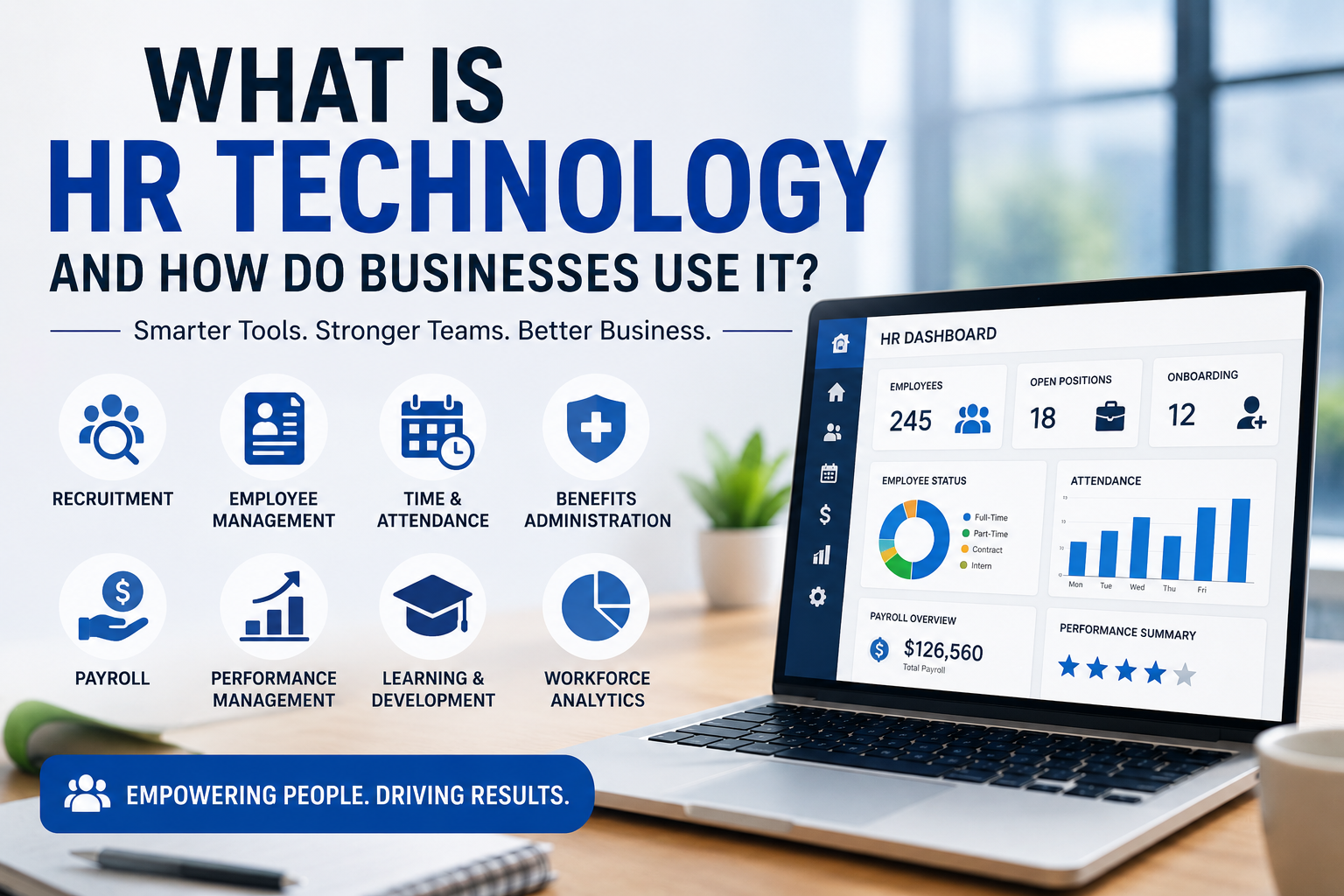
Businesses exploring employee-management systems can also examine What Is HR Technology and How Do Businesses Use It?.
Inventory and Supply Chain Automation
Automation helps businesses manage inventory and supply-chain activities more efficiently.
Common applications include:
- Stock monitoring
- Automatic reordering
- Warehouse management
- Shipment tracking
- Supplier communication
- Order fulfillment
- Inventory forecasting
- Barcode scanning
- Purchase-order generation
For example, an inventory system can automatically identify when stock falls below a predefined threshold and generate a purchase request.
More advanced systems can combine historical demand, current inventory, supplier information, and other data to support purchasing decisions.
Efficient inventory automation can reduce waste, prevent stockouts, and improve customer satisfaction.
Workflow Automation
Workflow automation connects multiple steps in a business process.
A basic workflow might look like:
New Customer
      ↓
Create Customer Record
      ↓
Notify Sales Team
      ↓
Create Follow-Up Task
      ↓
Send Welcome Email
      ↓
Update Customer Status
Instead of requiring employees to perform every step manually, the system executes predefined actions when specific conditions are met.
Workflow automation can be particularly valuable when a process involves multiple departments or applications.
Automation Between Business Applications
Modern businesses rarely operate a single software application.
An organization may use:
- CRM software
- Accounting software
- Email marketing platforms
- E-commerce systems
- Inventory applications
- Customer-support platforms
- Human resources systems
- Analytics platforms
Automation can connect these systems so that information moves between them without requiring employees to manually copy data.
For example:
E-commerce Platform
        ↓
Automation Workflow
        ↓
Inventory System
        ↓
Accounting System
        ↓
Customer Notification
This type of integration can reduce duplicate data entry and create more consistent workflows.
Organizations should understand the underlying technology as well as the automation platform itself. APIs, webhooks, authentication systems, data formats, and integration platforms can all influence how reliably applications communicate.
Artificial Intelligence in Business Automation
Artificial intelligence has expanded automation beyond simple rule-based processes.
Traditional automation generally follows explicit instructions:
IF condition occurs
THEN perform action
AI-enabled automation can work with less structured information and perform tasks that previously required more human interpretation.
AI-powered automation can support:
- Predictive analytics
- Intelligent document processing
- Customer recommendations
- Fraud detection
- Natural language processing
- Image recognition
- Demand forecasting
- Decision support
- Content generation
- Information extraction
For example, an AI system may read an incoming document, identify important information, classify it, and route it to the appropriate workflow.
This makes automation useful for processes involving text, images, language, and other forms of unstructured information.
AI Agents and Business Automation
AI agents represent a further evolution of automated business processes.
Traditional automation generally performs predefined actions.
An AI agent may instead be given a goal and determine several steps needed to accomplish it.
For example:
Identify overdue invoice
        ↓
Review customer record
        ↓
Check previous communication
        ↓
Draft payment reminder
        ↓
Request approval
        ↓
Send message
        ↓
Update customer record
This type of system can potentially coordinate several applications and actions.
However, organizations should establish appropriate safeguards around permissions, approvals, data access, monitoring, and accountability.
The more autonomy an automated system has, the more important governance becomes.
Benefits of Business Automation
Successful automation initiatives can provide substantial benefits.
Higher Productivity
Employees spend less time performing repetitive administrative tasks.
Improved Accuracy
Automated workflows can reduce certain types of manual data-entry and calculation errors.
Faster Processing
Systems can execute routine actions immediately rather than waiting for an employee to complete them.
Greater Consistency
Automated workflows can apply the same rules and procedures repeatedly.
Reduced Costs
Reducing manual effort can lower the cost of repetitive operations.
Better Scalability
Automated processes can often handle increased workloads without requiring a proportional increase in administrative staff.
Improved Customer Experience
Faster responses, automated notifications, and consistent service processes can improve customer interactions.
Better Business Visibility
Automation systems can generate records that help organizations understand where processes are succeeding or failing.
Challenges of Business Automation
Automation also introduces challenges that businesses need to address.
Common concerns include:
- Initial investment costs
- Employee training
- System integration
- Data quality
- Change management
- Cybersecurity
- Process redesign
- Ongoing maintenance
- Vendor dependency
- Governance
- Employee resistance
Automation does not automatically fix inefficient processes.
If an existing workflow is unnecessarily complicated, automating it may simply make the inefficient process happen faster.
Businesses should therefore examine the process before automating it.
When Should a Business Automate a Process?
Not every process is suitable for automation.
Good candidates often have several characteristics:
- They are repetitive.
- They follow predictable rules.
- They occur frequently.
- They consume significant employee time.
- They involve structured information.
- They are prone to manual errors.
- Their outcomes can be measured.
For example, automatically sending an invoice after an order has been completed may be an excellent automation candidate.
A complex negotiation with an important customer may not be.
The question should not be “Can we automate this?”
A better question is:
“Will automating this process create meaningful business value?”
Best Practices for Implementing Automation
Organizations often achieve better results by following a structured implementation process.
1. Identify the Problem
Start with a genuine business problem rather than a technology purchase.
2. Map the Existing Process
Document how work is currently performed.
Identify unnecessary steps, bottlenecks, duplicate activities, and manual handoffs.
3. Define the Desired Outcome
Determine what improvement the organization expects.
This might be faster processing, lower costs, fewer errors, better customer service, or improved visibility.
4. Select the Right Technology
Compare automation platforms based on business requirements rather than simply choosing the platform with the largest feature list.
5. Start With a Pilot
Testing automation on a limited workflow can reveal problems before a company expands the system.
6. Prepare Employees
Employees should understand how the new workflow affects their responsibilities.
7. Test Thoroughly
Automation should be tested under normal, unusual, and failure conditions.
8. Monitor Results
Measure whether the automated process is actually delivering the expected benefits.
9. Improve Continuously
Business processes change over time. Automation workflows should therefore be reviewed and updated when necessary.
Business Automation and Employee Productivity
Automation can improve employee productivity, but productivity should not be measured simply by the number of tasks automated.
The real objective is to help employees spend more time on valuable work.
For example, an employee who previously spent several hours each week preparing routine reports may be able to use that time for customer analysis, planning, problem-solving, or strategic activities after automation.
This is why automation should be considered alongside broader workplace technology and organizational processes.
Business Automation and Employee Adoption
Employees play an important role in automation success.
If workers do not trust or understand an automated system, they may create manual workarounds.
This can lead to:
- Duplicate records
- Incomplete data
- Unofficial spreadsheets
- Manual processes
- Security risks
- Inconsistent information
Employee involvement during automation projects can therefore be extremely valuable.
Organizations should explain why a process is changing, provide training, gather feedback, and make support available during adoption.
Business Automation and Cybersecurity
Automated systems can access important business information and may connect multiple applications.
That creates security considerations.
Organizations should evaluate:
- User permissions
- Authentication
- Data encryption
- API security
- Access logging
- Privilege management
- Data storage
- Third-party integrations
- Monitoring
- Incident response
Automation should follow the principle of least privilege wherever practical.
An automated workflow should have access only to the information and systems required to perform its assigned function.
This becomes particularly important when AI systems or autonomous agents are introduced.
Business Automation and Data Quality
Automation depends heavily on the quality of the information it processes.
Poor data can produce poor automated outcomes.
For example, if customer records contain duplicate or outdated information, an automated marketing workflow may send inappropriate messages or create additional duplicate records.
Organizations should therefore consider:
- Data validation
- Duplicate detection
- Standardized formats
- Data ownership
- Data cleansing
- Error handling
- Regular data-quality reviews
Improving data quality can make automation more reliable and can also improve analytics and decision-making.
Low-Code and No-Code Automation
Low-code and no-code platforms allow users to build workflows through visual interfaces rather than writing traditional software code for every process.
They can be used to:
- Connect applications
- Create forms
- Automate approvals
- Build internal workflows
- Send notifications
- Transform data
- Create simple applications
These platforms can make automation accessible to employees outside traditional IT teams.
However, organizations still need governance.
Without appropriate controls, departments can create numerous disconnected workflows that become difficult to maintain.
A well-managed low-code environment should include appropriate security, documentation, ownership, access controls, and monitoring.
Robotic Process Automation
Robotic process automation, commonly called RPA, uses software robots to perform repetitive computer-based tasks.
RPA can be useful for processes involving structured, repetitive actions such as:
- Copying information between systems
- Entering data
- Processing forms
- Generating reports
- Checking records
- Sending notifications
RPA is particularly useful when older applications do not provide modern integration options.
However, RPA can become fragile when interfaces or underlying processes change.
Organizations should therefore evaluate whether direct integration, APIs, or process redesign would provide a more sustainable solution.
Hyperautomation
Hyperautomation refers to a broader approach that combines multiple technologies to automate as many appropriate business processes as possible.
It can combine:
- Workflow automation
- RPA
- Artificial intelligence
- Machine learning
- Process mining
- APIs
- Low-code platforms
- Data analytics
The objective is not simply to automate individual tasks but to create more comprehensive automated business processes.
Hyperautomation can be powerful, but it also increases the need for governance and architectural planning.
Measuring Automation ROI
Businesses should measure whether automation produces meaningful results.
Potential metrics include:
- Processing time
- Labor hours saved
- Error rates
- Operating costs
- Customer response times
- Conversion rates
- Employee productivity
- Transaction volumes
- Customer satisfaction
- Workflow completion rates
For example, if a manual process takes two hours and occurs 100 times each month, reducing the process to 20 minutes could create substantial time savings.
However, organizations should also account for implementation, licensing, maintenance, integration, and training costs when evaluating the overall return on investment.
Common Business Automation Mistakes
Automating Without Understanding the Process
Organizations sometimes automate a process without first determining whether the process itself is efficient.
Automating Everything
Some activities require human judgment and should remain partly or entirely manual.
Ignoring Employees
Automation projects can fail when employees are excluded from planning and implementation.
Choosing Technology Before Defining Requirements
A platform should support the business problem rather than determine what the business process becomes.
Ignoring Integration
An automation system that cannot reliably exchange information with existing applications may create additional work.
Neglecting Security
Automated workflows can create new access paths into business systems.
Failing to Monitor Workflows
Automated processes can fail silently unless organizations establish appropriate monitoring and alerts.
Creating Too Many Automations
A large collection of disconnected workflows can become difficult to understand and maintain.
The Future of Business Automation
Business automation is evolving rapidly alongside advances in artificial intelligence, cloud computing, data analytics, and software integration.
Several developments are particularly important.
AI-Powered Workflows
AI will increasingly help systems interpret documents, language, customer requests, and other unstructured information.
Intelligent Process Automation
Automation will increasingly combine traditional rules with machine learning and AI capabilities.
AI Agents
Software agents may increasingly perform multi-step tasks across connected business applications.
Low-Code Development
More employees may gain the ability to create workflows and internal applications without traditional programming.
Predictive Automation
Systems may increasingly predict events and take action before problems occur.
End-to-End Workflow Orchestration
Businesses may increasingly connect entire processes rather than automating isolated tasks.
More Embedded Automation
Automation capabilities will increasingly be built directly into everyday business applications.
How Businesses Should Prepare for Intelligent Automation
Organizations preparing for more advanced automation should focus on several fundamentals.
First, businesses need clear processes.
Second, they need reliable data.
Third, applications need appropriate integration capabilities.
Fourth, employees need the skills and training required to work effectively with automated systems.
Finally, organizations need governance that defines who is responsible for automated decisions and actions.
This means that successful automation is not purely a technology challenge.
It is a combination of people, processes, data, technology, and governance.
Frequently Asked Questions About Business Automation
What Is Business Automation?
Business automation is the use of software and digital technologies to perform business processes with minimal manual intervention.
What Are Examples of Business Automation?
Examples include automated invoicing, customer follow-ups, employee onboarding, marketing campaigns, inventory reordering, report generation, approval workflows, and customer-support ticket routing.
What Is Workflow Automation?
Workflow automation uses predefined rules or intelligent systems to coordinate multiple steps in a business process automatically.
What Is RPA?
Robotic process automation uses software robots to perform repetitive computer-based tasks, often across existing applications.
How Does AI Improve Business Automation?
AI can help automation systems understand language, process documents, identify patterns, generate content, make predictions, and support more complex workflows.
Can Small Businesses Use Automation?
Yes. Small businesses can automate tasks such as invoicing, appointment scheduling, email marketing, customer communication, data entry, and reporting using relatively accessible tools.
Does Business Automation Replace Employees?
Automation can replace some repetitive tasks, but it does not eliminate the need for people. Employees remain important for judgment, creativity, strategy, relationship management, oversight, and complex problem-solving.
How Much Does Business Automation Cost?
Costs vary depending on the software, number of users, workflow complexity, integrations, implementation requirements, and ongoing maintenance.
How Do Businesses Choose Automation Software?
Businesses should evaluate their processes, objectives, data, integrations, security requirements, users, scalability needs, and total cost before selecting an automation platform.
Is Business Automation Secure?
Automation can be secure when appropriate authentication, access controls, monitoring, encryption, data protection, and governance are implemented. Poorly designed automation can also introduce security risks.
Building a Practical Business Automation Strategy
Successful automation begins with business requirements rather than technology.
Organizations should identify processes that consume significant resources, create unnecessary delays, generate repetitive work, or produce avoidable errors.
From there, they can determine whether automation is appropriate.
A practical strategy can follow this sequence:
Identify Business Problem
          ↓
Map Existing Process
          ↓
Find Automation Opportunities
          ↓
Estimate Potential Value
          ↓
Select Technology
          ↓
Run Pilot
          ↓
Measure Results
          ↓
Scale Successfully
          ↓
Continuously Improve
This approach helps organizations avoid adopting automation simply because a technology is fashionable.
The strongest automation strategies focus on measurable business outcomes.
Business Automation as a Long-Term Capability
Business automation is no longer limited to isolated administrative tasks.
It is becoming part of the broader infrastructure through which organizations operate.
A modern business may use automation to connect sales, customer service, finance, human resources, inventory, marketing, analytics, and other functions.
As these systems become more intelligent, organizations will increasingly need to think about automation as an ongoing capability rather than a one-time implementation.
That means continuously identifying inefficient processes, improving data quality, reviewing workflows, measuring outcomes, and adapting systems as business requirements change.
From Repetitive Tasks to Intelligent Operations
The most important development in business automation is the movement from simple task automation toward increasingly intelligent business processes.
Traditional automation follows explicit instructions.
Modern automation can combine rules, integrations, analytics, artificial intelligence, and increasingly autonomous software agents.
This creates the possibility of business systems that do more than respond to individual instructions. They can monitor events, identify opportunities, recommend actions, coordinate workflows, and in some circumstances execute approved actions automatically.
Human oversight remains essential, particularly when automated decisions can affect customers, employees, finances, security, or compliance.
The goal should therefore not be to remove people from every process.
It should be to create a better division of work between people and technology.
Businesses that approach automation strategically can reduce repetitive work, improve consistency, respond faster to customers, and give employees more time for activities that require uniquely human capabilities.
As artificial intelligence, integration platforms, cloud computing, and workflow technologies continue to develop, business automation will become an increasingly important foundation for efficient, adaptable, and scalable organizations.