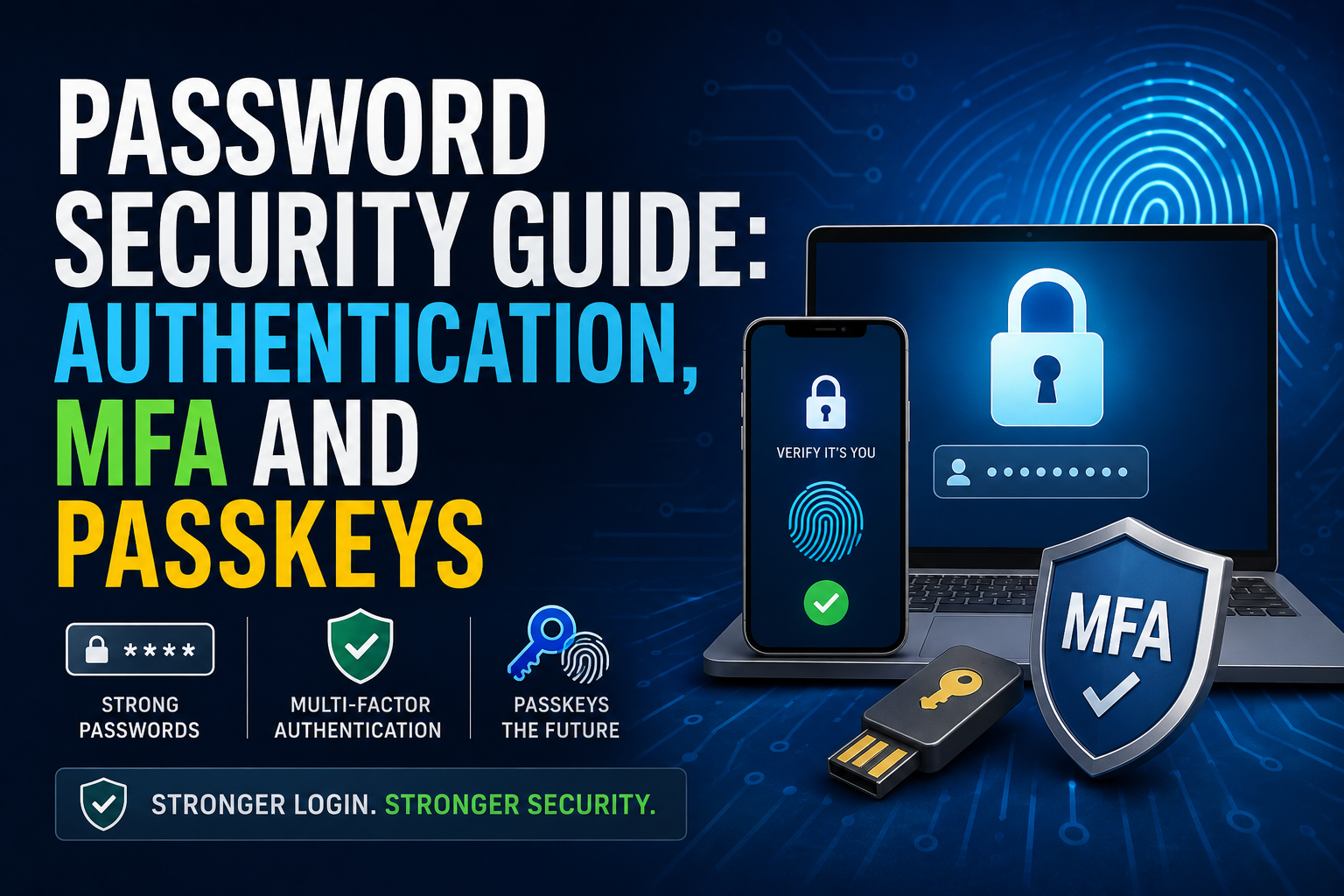
Password Security Guide: Authentication, MFA and Passkeys
Passwords are still the first line of defense for billions of online accounts, but they are no longer enough to protect many of the things people keep online.
Email accounts contain private conversations and password-reset links. Banking accounts can provide access to money. Social media profiles contain personal information and valuable connections. Business accounts can expose customer data, intellectual property and internal systems.
That is why modern account security has moved beyond simply creating a “strong password.”
Today, effective authentication is about using multiple layers of protection, recognizing phishing attempts, securing the devices used to sign in and, increasingly, replacing passwords altogether with technologies such as passkeys.
The latest NIST Digital Identity Guidelines, published in 2025, explicitly state that passwords are not phishing-resistant. At the same time, CISA recommends using multifactor authentication and encourages organizations to move toward phishing-resistant authentication such as FIDO/WebAuthn.
Here is what you need to know about passwords, authentication, MFA and passkeys—and how to build a safer login strategy. For a broader look at how authentication fits into personal online protection, see the Online Privacy Guide.
What Is Authentication?
Authentication is the process of proving that you are the person who should have access to an account or system.
When you enter a username and password, you are authenticating yourself.
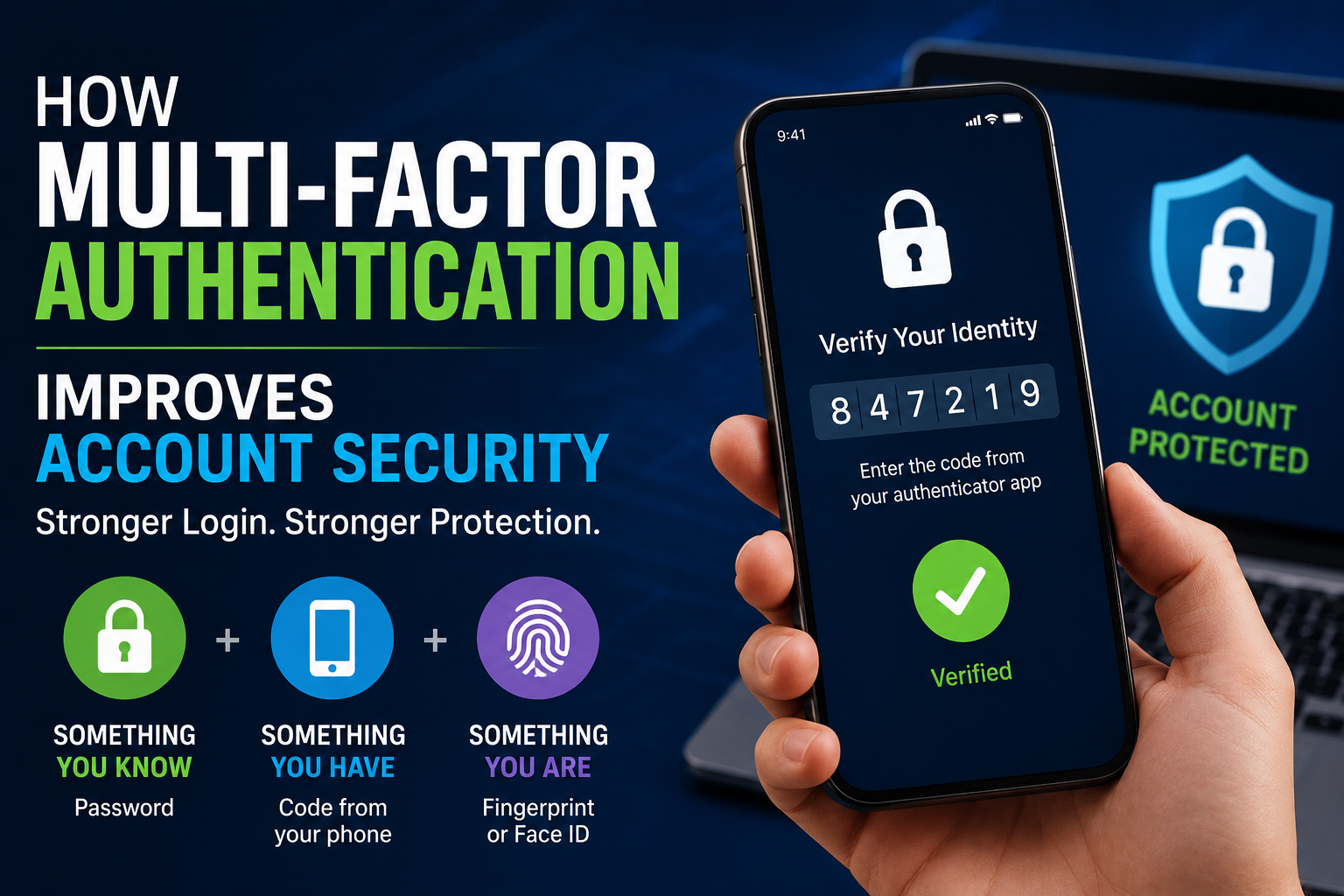
Authentication generally relies on one or more categories of evidence:
-
Something you know — such as a password or PIN
-
Something you have — such as a phone, security key or authentication device
-
Something you are — such as a fingerprint or facial biometric
The more appropriately designed factors an account uses, the harder it can be for an attacker to gain access using a stolen password alone.
This is the foundation of multifactor authentication and a central part of the broader security architecture discussed in The Ultimate Guide to Business Cybersecurity.
Why Passwords Are Vulnerable
Passwords have one major weakness: they are secrets that humans must remember, type and protect.
That creates several problems.
People reuse passwords because remembering dozens of unique credentials is difficult.
They may choose predictable passwords.
They may accidentally enter passwords into phishing websites.
Passwords can also be exposed during data breaches, malware infections or other attacks.
NIST’s current authentication guidance specifically identifies passwords as not phishing-resistant.
This does not mean passwords are useless.
It means a password should generally be treated as one component of a broader security strategy rather than the entire strategy.
What Makes a Password Strong?
A strong password should be difficult for an attacker to guess and should not be reused across different accounts.
Length is particularly important.
NIST’s 2025 guidance says that passwords used as a single authentication factor should be at least 15 characters long and recommends screening passwords against commonly used or compromised values rather than relying on arbitrary composition rules.
For ordinary users, a practical approach is to use either:
-
A long, randomly generated password
-
A long passphrase made from several unrelated words
Avoid information that someone could easily associate with you, such as:
-
Names
-
Birthdays
-
Phone numbers
-
Company names
-
Favorite sports teams
-
Addresses
-
Common phrases
-
Simple keyboard patterns
The goal is not to invent a clever password.
The goal is to use a password that is long, unique and difficult to predict.
Never Reuse Important Passwords
Password reuse creates a dangerous chain reaction.
Imagine that you use the same password for your shopping account, social media account and email.
A criminal obtains the password from a breach involving one service.
They can then try the same credentials on other websites.
This is known as credential stuffing.
A single compromised password can therefore become the key to multiple accounts.
The simplest defense is to use a unique password for every important account.
That sounds difficult until you use a password manager.
What Is a Password Manager?
A password manager is a tool designed to securely store and generate passwords.
Instead of remembering dozens of passwords, you typically need to remember one primary credential or use the authentication mechanism provided by your device or password manager.
A good password manager can:
-
Generate random passwords
-
Store unique credentials
-
Autofill login forms
-
Warn about weak or reused passwords
-
Help identify compromised credentials
-
Synchronize credentials across devices, depending on the service
This turns password security from a memory problem into a management problem.
CISA recommends strong passwords and password managers as part of basic cybersecurity protection.
What Is Multifactor Authentication?
Multifactor authentication (MFA) requires more than one type of authentication evidence before granting access.
For example, a service might require:
- Your password
- A code or approval from another authentication method
If an attacker steals your password, they still need the additional factor.
That makes account takeover significantly harder than password-only authentication. For a deeper look at how this additional layer works, see How Multi-Factor Authentication Improves Account Security.
CISA describes MFA as a layered approach that protects accounts even when one authentication factor, such as a password, has been compromised.
MFA and 2FA: Are They the Same?
The terms are often used interchangeably, but there is a technical distinction.
2FA, or two-factor authentication, specifically uses two authentication factors.
MFA, or multifactor authentication, is the broader term for using multiple factors.
For everyday consumers, however, the terms are often used to describe the same general security practice: requiring an additional verification step beyond a password.
You may therefore see options labeled:
-
MFA
-
2FA
-
Two-step verification
-
Two-factor authentication
-
Login verification
The terminology may differ, but the security principle is similar.
Not All MFA Is Equally Strong
Turning on MFA is one of the best things you can do for account security.
But not every MFA method offers the same level of protection.
Common options include:
-
SMS codes
-
Email codes
-
Authentication-app codes
-
Push notifications
-
Hardware security keys
-
Passkeys
Some methods are more resistant to phishing than others.
CISA says phishing-resistant MFA should be the goal for organizations and identifies FIDO/WebAuthn authentication as the widely available phishing-resistant approach. It also recommends stronger alternatives such as number matching when phishing-resistant MFA cannot yet be implemented.
Authentication choices also form part of a broader identity strategy. Businesses and advanced users can learn more about this relationship in the Complete Guide to Identity and Access Security.
SMS Codes: Better Than Nothing, but Not the Strongest Option
SMS-based authentication sends a temporary code to your phone.
It is convenient and widely supported.
However, SMS codes can be exposed through phishing and social engineering. Attackers may also attempt phone-number takeover or SIM-related attacks.
This does not mean you should leave an important account protected only by a password because SMS is the only MFA option available.
If SMS is your only choice, enabling it is generally better than using no second factor.
But if the service offers a stronger method, consider using it.
Authentication Apps
Authentication apps generate temporary verification codes.
The codes usually change periodically, meaning an attacker cannot simply reuse an old code indefinitely.
Authentication-app MFA is generally a stronger option than password-only authentication.
However, it can still be vulnerable to phishing because a user can be tricked into entering a valid code into a fraudulent website.
That is one reason security professionals increasingly emphasize phishing-resistant authentication.
Push Notifications
Some services send a login approval request to your phone.
This can be convenient because you may only need to approve or deny the request.
But there is a risk known as MFA fatigue or push bombardment.
An attacker who has obtained your password may repeatedly send login requests hoping that you eventually approve one simply to make the notifications stop.
Number matching and other stronger approval mechanisms can reduce this risk.
Never approve an authentication request you did not initiate.
If unexpected login prompts continue, change your password and investigate the account immediately.
What Is Phishing?
Phishing is an attack designed to trick you into giving an attacker information or performing an action.
A phishing message might pretend to come from:
-
Your bank
-
Your employer
-
A social media platform
-
A delivery company
-
A government agency
-
A streaming service
-
A cloud-storage provider
The message may claim that you need to verify your account, pay an invoice, reset a password or respond to an urgent security problem.
The link leads to a fraudulent website designed to steal your credentials.
This is particularly dangerous because the attacker does not necessarily need to break the password.
They simply convince the victim to give it away.
For a deeper explanation of how phishing overlaps with manipulation techniques, see Phishing Versus Social Engineering Explained.
Phishing also demonstrates why authentication cannot be considered separately from broader human-centered cybersecurity. Attackers frequently combine stolen credentials with deception, impersonation and other techniques.
Why Passkeys Are Different
Passkeys represent a fundamental change in how authentication works.
Instead of asking you to remember a password, a service uses cryptographic credentials associated with your device or passkey provider.
FIDO describes passkeys as FIDO authentication credentials that use cryptographic key pairs and allow users to authenticate using the same process they use to unlock their device, such as a biometric, PIN or pattern.
In practical terms, you may see a prompt asking you to:
-
Use your fingerprint
-
Look at your phone
-
Enter your device PIN
-
Confirm on another device
-
Use a security key
There is no website password for you to type.
How Passkeys Work
The technical concept is easier to understand with a simple example.
When you create a passkey for a website, your device generates a cryptographic key pair.
One part is the private key.
The other is the public key.
The private key remains protected by the passkey system.
The website receives the public key.
When you later sign in, the website sends a challenge. Your device uses the private key to create a cryptographic response, and the service verifies that response using the corresponding public key.
The private key itself is not sent to the website.
FIDO’s specifications describe this public-key architecture as a foundation for phishing-resistant authentication.
Why Passkeys Resist Phishing
This is one of the biggest advantages of passkeys.
A traditional password can be entered into the wrong website.
A passkey is tied to the legitimate service’s origin.
A fake website cannot simply ask your passkey to authenticate you as though it were the legitimate site.
FIDO explains that passkeys use origin-specific cryptographic authentication, which is designed to prevent authentication from being replicated on an unrelated phishing site.
That means the user does not have to identify the phishing website and manually avoid entering a secret.
The authentication mechanism itself provides protection.
Are Passkeys the Same as Biometrics?
No.
This is a common misunderstanding.
A fingerprint or face scan is generally used to unlock or authorize use of a credential on your device.
The biometric itself is not normally sent to the website.
FIDO says biometric processing remains on the user’s device and that the online service receives confirmation that the local biometric check succeeded rather than receiving the biometric information itself.
So when you use a fingerprint to sign in with a passkey, the fingerprint is primarily unlocking the authentication credential locally.
What Happens if You Lose Your Phone?
This is one of the most important questions to consider when adopting passkeys.
The answer depends on how your passkey is managed.
There are broadly two categories:
Synced Passkeys
Synced passkeys can be securely synchronized across devices through a passkey provider.
This makes them convenient when you replace or lose a device.
NIST has published guidance on syncable authenticators, noting that properly implemented syncable authenticators can provide phishing-resistant authentication while supporting cross-device use and easier recovery.
Device-Bound Passkeys
Device-bound credentials remain tied to a particular device or security key.
These can provide strong security, but recovery requires additional planning.
If the device or security key is lost, another registered authenticator may be necessary.
For highly sensitive accounts, having more than one recovery method can be extremely important.
Passkeys vs Passwords
The difference becomes clearer when comparing the two systems.
| Feature | Passwords | Passkeys |
|---|---|---|
| User must remember a secret | Yes | Usually no |
| Can be reused | Yes | Designed to be unique |
| Vulnerable to phishing | Yes | Strongly resistant |
| Can be stolen from a phishing page | Yes | Designed to prevent this |
| Server stores a password secret | Password verification data is stored | Public key is stored |
| Works with biometrics | Not inherently | Commonly |
| Can be synced | Password managers can sync | Synced passkeys can sync |
| Resistant to credential stuffing | No, if reused | Yes, by design |
Passkeys do not eliminate every security risk. A compromised device, malicious software, stolen session or poorly designed account-recovery process can still create problems.
But they address several fundamental weaknesses of passwords.
Passkeys vs Traditional MFA
It may seem strange to say that a passwordless passkey can be stronger than a password combined with another factor.
But the security model is different.
Traditional MFA often adds another verification step after a password.
Passkeys replace the password-based authentication mechanism with a cryptographic credential designed to resist phishing.
FIDO explicitly describes passkeys as a password replacement and says they can provide stronger phishing resistance than password-plus-OTP or password-plus-phone-approval approaches.
That does not mean every passkey deployment is automatically perfect.
The security of an account also depends on device security, account recovery and how the service implements authentication.
Why Account Recovery Matters
A strong login system can still be undermined by a weak recovery system.
Imagine an account protected by a highly secure passkey.
If an attacker can simply contact customer support and convince an employee to reset the account using weak verification, the strong authentication system may not provide much protection.
Account recovery should therefore receive the same attention as normal authentication.
Recovery options should be:
-
Strongly protected
-
Difficult to socially engineer
-
Limited in scope
-
Carefully monitored
-
Designed to prevent attackers from bypassing stronger authentication
FIDO’s guidance emphasizes that achieving comprehensive phishing resistance requires attention to the entire authentication and recovery journey, not just the initial login.
Protect the Email Account First
Your email account deserves special attention.
Why?
Because it is often the recovery key to your other accounts.
If someone gains access to your primary email account, they may be able to request password resets for social media, shopping services, cloud accounts and other platforms.
For many people, securing email is therefore one of the highest-priority steps in their digital-security strategy.
Use a strong, unique authentication method and enable MFA or a passkey where available.
Review recovery addresses, phone numbers and active sessions regularly.
If identity-related account compromise is a concern, the Identity Theft Protection Guide provides additional guidance on protecting accounts and personal information.
Secure Your Financial Accounts
Banking, payment and investment accounts deserve especially strong protection.
Use every legitimate security feature your financial provider offers.
These may include:
-
MFA
-
Device notifications
-
Login alerts
-
Transaction alerts
-
Biometric authentication
-
Passkeys
-
Security keys
-
Spending limits
Never share authentication codes with another person.
A legitimate financial institution should not need you to read a one-time security code aloud to “verify” your identity in response to an unsolicited call.
Secure Your Social Media Accounts
Social media accounts can also be valuable targets.
Attackers may use compromised profiles to impersonate the victim, scam their contacts or gain access to private information.
Enable MFA or passkeys where available.
Review active sessions and connected applications.
Remove third-party applications you no longer use.
Be particularly careful with direct messages containing login links or urgent security warnings.
What About Security Questions?
Security questions were once commonly used for account recovery.
The problem is that many answers are not truly secret.
Questions such as:
-
What city were you born in?
-
What is your mother’s maiden name?
-
What was your first pet’s name?
may have answers that can be discovered through social media, public records or conversations.
Treat security questions as sensitive information.
Where possible, use stronger recovery mechanisms instead.
Common Password Security Mistakes
Even people who understand cybersecurity can make basic mistakes.
Using One Password Everywhere
This creates a single point of failure.
Making Small Variations
Changing Password123 to Password124 does not create meaningful security if the underlying pattern is predictable.
Saving Passwords in Plain Text
Do not keep important passwords in ordinary text files, unprotected notes or spreadsheets.
Sharing Passwords
Avoid sending passwords through messaging apps or email.
Ignoring Security Alerts
Unexpected password-reset requests or login notifications should not be ignored.
Approving Unknown MFA Requests
If you did not attempt to sign in, do not approve the request.
Clicking Login Links in Unexpected Messages
Open the service directly through its official app, browser bookmark or manually entered address.
How to Build a Strong Authentication Strategy
You do not need to secure every account in the same way on the same day.
Start with your most important accounts.
Step 1: Secure Your Email
Enable MFA or passkeys.
Step 2: Stop Reusing Passwords
Use a password manager to generate unique credentials.
Step 3: Enable MFA Everywhere Important
Start with banking, email, cloud storage, social media and work accounts.
Step 4: Prefer Phishing-Resistant Authentication
If a service supports passkeys or FIDO security keys, consider using them.
Step 5: Review Recovery Options
Make sure your recovery email, phone number and backup authentication methods are current.
Step 6: Check Active Sessions
Remove devices and sessions you no longer recognize or use.
Step 7: Keep Your Devices Updated
Authentication is only as strong as the device you use to authenticate.
Keep your operating system, browser and security software updated.
For broader everyday protection covering devices, accounts, networks and online behavior, see Staying Safe in the Digital World.
What Businesses Should Do Differently
Businesses face a larger challenge because one compromised employee account can expose corporate systems.
Organizations should consider:
-
Enforcing MFA
-
Moving toward phishing-resistant authentication
-
Supporting passkeys
-
Protecting administrator accounts with stronger authentication
-
Separating privileged and ordinary accounts
-
Monitoring suspicious login activity
-
Establishing secure account-recovery procedures
-
Training employees to recognize phishing
-
Reviewing third-party access regularly
CISA specifically recommends MFA for organizations and encourages migration toward phishing-resistant authentication.
For companies handling sensitive data, authentication should be treated as part of the organization’s overall security architecture rather than simply an IT setting. This is one reason authentication controls fit naturally into the wider framework described in The Ultimate Guide to Business Cybersecurity.
Are Passkeys Perfect?
No security technology is perfect.
Passkeys significantly improve resistance to phishing and credential theft, but they do not protect against every possible attack.
An attacker who compromises a user’s device could potentially interfere with authentication or steal an authenticated session.
Malware, malicious browser extensions, social engineering and weaknesses in account recovery can still create risks.
FIDO itself notes that apparent “passkey attacks” often involve weaknesses in surrounding systems, such as compromised devices, browsers or application implementations rather than a failure of the underlying cryptographic design.
That distinction matters.
The goal of good cybersecurity is not to find one magical technology that eliminates every threat.
It is to build multiple layers that make successful attacks increasingly difficult.
The Future of Login Security
The direction of authentication is becoming increasingly clear.
Passwords are not disappearing overnight, but the industry is steadily moving toward systems that rely less on shared secrets and more on cryptographic credentials.
Passkeys are central to that transition.
They combine strong cryptography with familiar device-unlock methods such as biometrics and PINs. They can reduce password reuse, make phishing more difficult and remove much of the burden of remembering credentials. FIDO says passkeys are supported across major operating systems, browsers and third-party passkey providers.
For users, that means the future of account security may actually become easier rather than more complicated.
A Practical Security Checklist
For your most important online accounts, aim for this baseline:
-
Use a unique password where passwords are still required
-
Use a password manager
-
Enable MFA
-
Prefer passkeys or security keys when available
-
Avoid SMS MFA when a stronger option is available
-
Never approve unexpected authentication requests
-
Keep recovery information up to date
-
Review active login sessions
-
Keep phones and computers updated
-
Watch for phishing messages
-
Secure your primary email account first
-
Keep backup authentication methods secure
The End of the Password-Only Mindset
Good password security is no longer about inventing the most complicated string of characters you can remember.
It is about building an authentication system that assumes passwords can be stolen, phishing attempts will happen and users can make mistakes.
For accounts that still depend on passwords, use long and unique credentials and store them in a reputable password manager. Add MFA wherever possible. And when a service offers passkeys, they are increasingly worth considering as the preferred authentication method.
The biggest shift is philosophical: security should not depend entirely on the user recognizing every threat correctly.
Passwords require users to protect a secret. MFA adds another layer. Passkeys go further by using cryptographic authentication designed to make stolen credentials and phishing far less useful.
As more services adopt passwordless authentication, the safest login may increasingly be the one where there is no password for an attacker to steal in the first place.