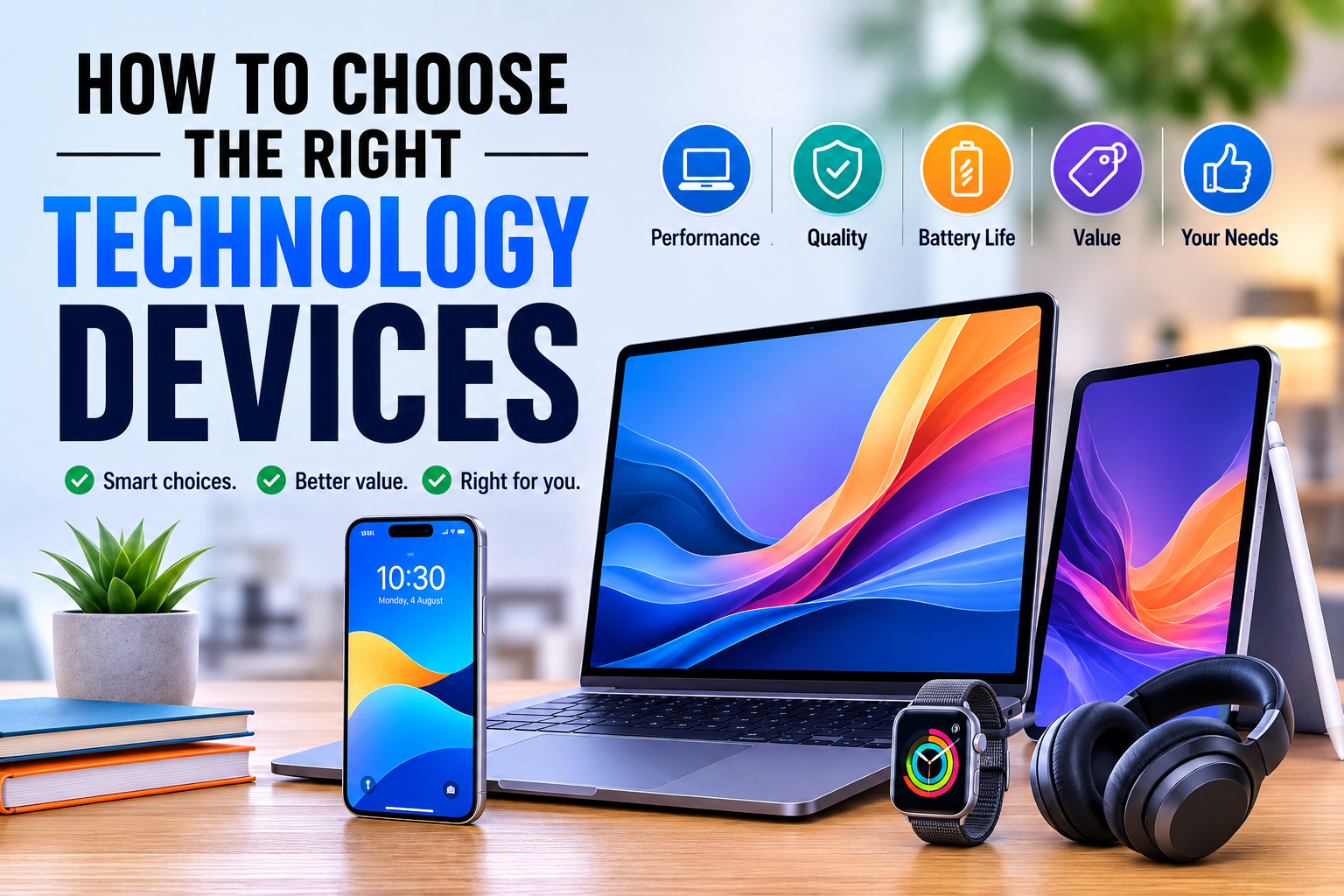
How to Choose the Right Technology Devices
Choosing the right technology device can be surprisingly difficult. Whether you’re buying a smartphone, laptop, tablet, smartwatch, television, or another connected device, the number of available options can make a simple purchase feel overwhelming.
The newest or most expensive device is not necessarily the best choice. The right technology depends on what you need it to do, how often you will use it, your budget, and how long you expect to keep it.
A thoughtful approach can help you avoid paying for features you will never use while making sure the device you choose can handle your everyday needs.
This article is part of our broader guide to what consumer gadgets are and how modern gadgets work, which explains the hardware, software, connectivity, and other technologies found in today’s devices.
Start With Your Actual Needs
The first step is to identify what you want the device to accomplish.
Before comparing specifications or brands, ask yourself a few basic questions:
- What will I primarily use this device for?
- How frequently will I use it?
- Where will I use it?
- Which features are essential?
- Which features would simply be nice to have?
- How long do I expect to keep it?
Someone purchasing a laptop for web browsing and document editing does not necessarily need the same hardware as someone developing software, editing professional video, or playing demanding games.
Likewise, a person who primarily uses a smartphone for messaging and photography may value different features from someone who relies on their phone for business, navigation, mobile payments, and intensive applications.
Defining your needs first makes the rest of the buying process much easier.
Set a Realistic Budget
Technology purchases can quickly become expensive because manufacturers offer devices across a wide range of price points.
Instead of deciding that you need the most powerful model available, establish a comfortable spending limit.
A useful approach is to divide your budget into three categories:
| Budget Level | Typical Priority |
|---|---|
| Essential | Reliable basic performance |
| Mid-range | Strong balance of features and price |
| Premium | Advanced performance and specialized features |
The goal is not simply to spend less. It is to get the greatest practical value from your money.
A cheaper device that becomes frustrating to use after a short period may be a poor investment. At the same time, spending hundreds of dollars more for features you rarely use may provide little additional value.
Understand the Most Important Specifications
Technology specifications can look complicated, but most buyers only need to understand a handful of important characteristics.
The specifications that matter most depend on the type of device.
Processor
The processor, or CPU, performs many of the calculations required by a device.
A more capable processor can improve performance when running demanding applications, multitasking, processing large files, or performing other intensive workloads.
However, processor performance should always be considered alongside the rest of the hardware.
For basic tasks such as email, web browsing, and document editing, an extremely powerful processor may provide little noticeable benefit.
Memory
Memory, commonly called RAM, allows a device to keep active applications and information readily available.
More RAM can make multitasking smoother, particularly when several applications or browser tabs are open simultaneously.
For many users, adequate memory is more important than having the absolute fastest processor.
Storage
Storage determines how much information a device can retain.
This includes:
- Applications
- Photos
- Videos
- Documents
- Games
- Music
- Other files
Think about how much storage you currently use and how quickly your collection is growing.
Someone who takes large numbers of photos and videos may need considerably more storage than someone who primarily streams content and stores little locally.
Display
Screen size and quality can significantly affect the user experience.
Consider:
- Screen size
- Resolution
- Brightness
- Refresh rate
- Color quality
- Viewing environment
A large display can be helpful for productivity and entertainment, while a smaller screen may be more convenient for portability.
Consider Battery Life Carefully
Battery life is particularly important for mobile devices.
A device with excellent specifications is less useful if it frequently needs to be connected to a charger.
Think about how you normally use your device.
If you spend much of the day away from power outlets, prioritize:
- Long battery life
- Efficient hardware
- Fast charging
- Battery health features
Manufacturers’ battery-life claims can also vary depending on testing conditions, so real-world reviews and user experiences can provide additional context.
Because charging speed and battery behavior can vary significantly between devices, it is also useful to understand the technology behind modern charging systems in our Complete Guide to Charging Technology.
Think About Portability
A device’s physical design matters just as much as its internal hardware for many users.
A powerful laptop that is uncomfortable to carry may not be the right choice for someone who travels frequently.
When evaluating portability, consider:
- Weight
- Thickness
- Screen size
- Charger size
- Build quality
- Durability
For devices that will remain on a desk or in one location, portability may be less important.
Check Compatibility With Your Existing Devices
A new device rarely operates in isolation.
It may need to work with your existing smartphone, computer, accessories, software, cloud services, or smart-home equipment.
Before purchasing, check whether the new device supports the connections and platforms you already use.
For example, consider:
- Operating-system compatibility
- Bluetooth support
- Wi-Fi standards
- USB connections
- Cloud synchronization
- App availability
- File compatibility
Compatibility problems can turn an otherwise excellent purchase into an inconvenient one.
For consumers who want to understand the software platform behind a device, The Complete Guide to Operating Systems provides a broader explanation of how operating systems manage hardware and applications.
Consider Software Support
Hardware is only part of a technology device’s useful life.
Software support can determine how long the device remains secure, compatible, and functional.
Before buying, investigate:
- How long software updates are expected
- How frequently security updates are released
- Whether important applications support the device
- Whether the manufacturer has a strong update history
- Whether the operating system fits your needs
Longer software support can make a slightly more expensive device a better long-term investment.
Look Beyond the Specifications
Specifications are useful, but they do not tell the entire story.
Two devices with similar processors, memory, and storage can feel very different in everyday use.
Factors such as keyboard quality, camera processing, speakers, software design, thermal management, build quality, and ergonomics can have a major impact.
This is why hands-on reviews can be valuable.
Look for reviews that discuss actual usage rather than simply repeating manufacturer specifications.
Think About Durability
The right device should be capable of handling your normal environment.
If you frequently travel, work outdoors, or carry your device between locations, durability may be particularly important.
Look at:
- Build materials
- Water resistance
- Drop resistance
- Hinge quality
- Screen protection
- Repairability
A durable device may cost more initially but potentially remain useful for longer.
Evaluate Repairability and Upgrade Options
Some technology devices are easier to repair or upgrade than others.
For products you expect to keep for many years, investigate whether components such as storage, batteries, or memory can be replaced.
Repairability can influence the total cost of ownership.
A device that allows relatively straightforward repairs may remain useful after a minor component fails, while a device with heavily integrated components may be more difficult or expensive to maintain.
Don’t Ignore Security and Privacy
Security should be part of every technology purchasing decision.
A device may contain sensitive information such as:
- Personal photographs
- Financial information
- Passwords
- Messages
- Work documents
- Location information
Look for security features such as biometric authentication, encryption, secure software updates, and account-protection tools.
Privacy policies can also differ between manufacturers and services.
Understand what information the device collects, which services require accounts, and what privacy controls are available.
Compare Total Cost of Ownership
The purchase price is not always the full cost.
Some devices require additional expenses for:
- Accessories
- Storage
- Subscriptions
- Replacement batteries
- Repairs
- Software
- Cloud services
- Specialized chargers
For example, a device that appears inexpensive may become significantly more expensive after adding essential accessories or recurring services.
Consider the expected cost over the entire period you plan to use the device.
Decide Which Features Actually Matter
Manufacturers often promote a long list of features.
That does not mean every feature deserves equal consideration.
Separate features into three groups:
Essential Features
These are requirements that the device must have.
Valuable Features
These improve your experience and may justify spending more.
Unnecessary Features
These sound impressive but do not meaningfully improve how you use the device.
This simple exercise can prevent you from paying extra for specifications that have little practical value.
Compare Devices Side by Side
Once you have identified your priorities, create a short list of candidates.
A comparison table can make differences much easier to see.
| Feature | Device A | Device B | Device C |
|---|---|---|---|
| Price | — | — | — |
| Processor | — | — | — |
| Memory | — | — | — |
| Storage | — | — | — |
| Battery | — | — | — |
| Display | — | — | — |
| Weight | — | — | — |
| Software Support | — | — | — |
| Warranty | — | — | — |
Focus on the characteristics that actually matter to your intended use.
Check the Warranty and After-Sales Support
A good warranty can provide valuable protection if something goes wrong.
Before purchasing, check:
- Warranty length
- What the warranty covers
- Repair procedures
- Replacement policies
- Customer-support availability
- Authorized service locations
After-sales support becomes particularly important when buying expensive devices that you expect to use for several years.
For more on this aspect of buying and owning technology, see How Electronics Warranties Actually Work.
Avoid Buying Based Solely on Brand
Brand reputation can be useful, but it should not replace evaluating the actual product.
A manufacturer may offer excellent products in one category and less competitive options in another.
Compare individual devices based on:
- Reliability
- Features
- Software support
- Price
- Warranty
- User experience
- Your specific requirements
The best device is the one that fits your situation, not necessarily the one with the most recognizable logo.
Consider Future Needs
Your current requirements may change.
A student may eventually need a device for professional work. A casual photographer may become interested in editing. A person who primarily streams content may eventually begin creating it.
You do not need to predict the future perfectly, but some additional capacity can provide useful flexibility.
Consider whether the device will still meet your needs if your workload increases over the next few years.
Common Technology Buying Mistakes
Buying More Power Than You Need
High-end specifications can be attractive, but unnecessary performance increases the price.
Choosing the Cheapest Option
The lowest purchase price does not always provide the best long-term value.
Ignoring Software Support
A device with outdated software can become less useful and less secure over time.
Focusing Only on Specifications
Numbers do not always translate directly into a better user experience.
Forgetting Accessories
Chargers, cases, keyboards, storage, and other accessories can increase the final cost.
Buying Without Considering Compatibility
A device that does not work well with your existing technology can create unnecessary frustration.
Replacing Devices Too Frequently
If your current device still meets your needs and receives necessary software and security support, replacing it may not provide meaningful benefits.
A Simple Technology Buying Checklist
Before making a purchase, ask:
- Does this device solve my actual problem?
- Does it fit my budget?
- Does it have the features I genuinely need?
- Is its performance appropriate for my workload?
- Will the battery last long enough?
- Is it comfortable to use?
- Is it compatible with my existing devices?
- How long will it receive software updates?
- Is it durable enough for my environment?
- Can it be repaired or upgraded?
- Does it provide adequate security and privacy?
- What will the total cost be?
- Is the warranty sufficient?
- Will it still meet my needs in a few years?
If the answer to these questions is satisfactory, you are much more likely to make a purchase you will be happy with.
Making Technology Work for You
Choosing the right technology device does not require chasing every new specification or buying the most expensive model. It requires understanding the relationship between your needs, your budget, the device’s capabilities, and its expected lifespan.
Start with the problem you want the device to solve. Then evaluate performance, battery life, portability, compatibility, software support, security, durability, and total cost.
The smartest technology purchase is rarely the device with the longest specification sheet. It is the device that delivers the right combination of performance, reliability, usability, and value for the way you actually live and work.