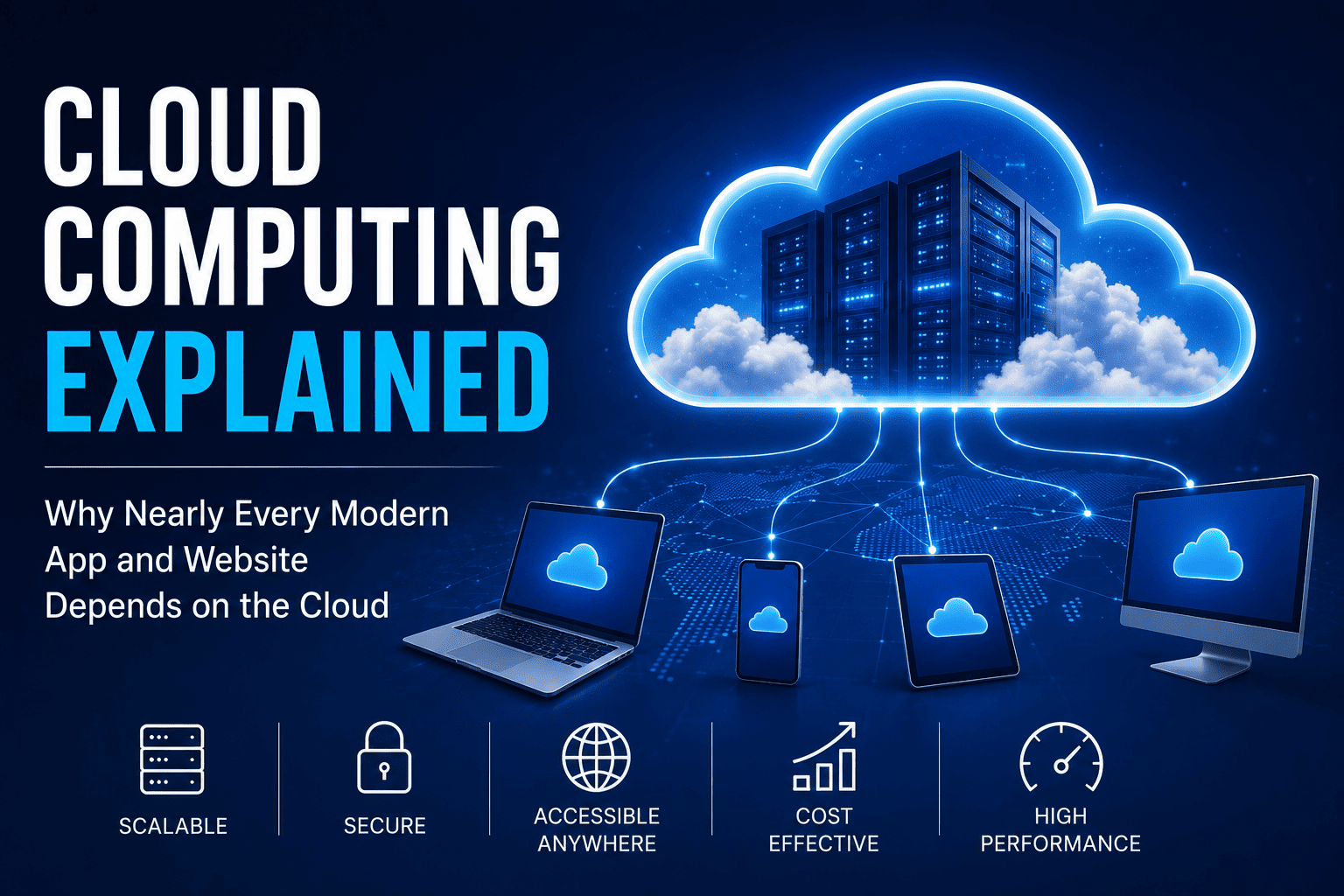
Cloud Computing Explained: Why Nearly Every Modern App and Website Depends on the Cloud
Every day, billions of people stream movies, send emails, join video meetings, store photos, shop online, and use mobile apps without giving much thought to what happens behind the scenes. While these services appear to run effortlessly, they all rely on one of the most important technological innovations of the modern era: cloud computing.
The cloud has fundamentally changed how software is built, businesses operate, and people interact with technology.
Instead of relying solely on physical computers or local servers, organizations now access computing power, storage, databases, and software over the internet.
From startups launching new apps to multinational corporations managing global operations, cloud computing has become the foundation of today’s digital economy.
In fact, nearly every major online platform—from social media and streaming services to banking apps and artificial intelligence—depends on cloud infrastructure to serve millions of users simultaneously.
But what exactly is the cloud?
How does it work?
And why has it become so essential to modern life?
This guide explains the fundamentals of cloud computing for businesses, including how cloud infrastructure works, the major service models, its benefits and limitations, and the technologies that continue to shape its future.
What Is Cloud Computing?
Cloud computing is the delivery of computing services over the internet instead of relying entirely on computers or servers located on-site.
Rather than purchasing and maintaining expensive hardware, businesses and individuals can access resources whenever they need them.
These services include:
- Data storage
- Computing power
- Databases
- Networking
- Software
- Artificial intelligence
- Security services
- Analytics
Instead of owning everything themselves, users essentially rent computing resources from cloud providers.
This makes technology more flexible, affordable, and scalable.
Cloud computing can also provide the underlying IT infrastructure for businesses, allowing organizations to access servers, storage, networking, and other resources without building and maintaining all of that infrastructure themselves.
Why Is It Called “The Cloud”?
The term cloud originated from early network diagrams that used cloud-shaped symbols to represent the internet.
Although it sounds abstract, the cloud is very real.
It consists of enormous data centers filled with thousands of powerful servers located around the world.
These facilities operate 24 hours a day, processing massive amounts of digital information.
Whenever you upload a photo, stream a movie, or save a document online, your data is typically stored inside one of these data centers.
How Cloud Computing Works
Cloud computing connects users to remote servers through the internet.
Here’s a simplified example.
You take a photo using your smartphone.
Instead of remaining only on your device, the image is uploaded to cloud storage.
Later, you log into your account from another device.
Your photo instantly appears because it is stored securely on remote servers rather than exclusively on your phone.
The same principle applies to:
- Documents
- Music
- Videos
- Business software
- Mobile applications
Cloud infrastructure makes digital information available almost anywhere.
Behind many cloud services are databases that store and organize the information applications need to function. Understanding database software helps explain how modern applications can efficiently manage enormous amounts of information. For a broader understanding of how databases work as a foundation for modern information systems, see The Complete Guide to Databases.
The Three Main Types of Cloud Services
Cloud computing is generally divided into three major service models.
Infrastructure as a Service (IaaS)
Infrastructure as a Service provides virtual computing resources.
Businesses can rent:
- Servers
- Storage
- Networking
- Operating systems
Instead of purchasing physical hardware, companies pay only for what they use.
This model offers maximum flexibility.
Platform as a Service (PaaS)
Platform as a Service provides developers with tools for building and deploying applications.
Rather than managing servers themselves, developers focus on writing software while the provider handles infrastructure.
This accelerates application development.
Software as a Service (SaaS)
Software as a Service delivers complete applications through the internet.
Users simply log in using a browser or mobile app.
Examples include:
- Email platforms
- Office productivity software
- Customer relationship management systems
- Video conferencing tools
Most consumers interact with SaaS every day.
For a deeper look at this model, see the complete guide to cloud software and SaaS.
Public, Private, and Hybrid Clouds
Cloud environments come in different forms.
Public Cloud
Resources are shared among many customers.
Public clouds offer:
- Lower costs
- Easy scalability
- High availability
Most consumer applications rely on public cloud infrastructure.
Private Cloud
Private clouds are dedicated to a single organization.
They provide greater control over security and compliance.
Industries handling sensitive information often prefer this model.
Hybrid Cloud
Hybrid cloud combines public and private environments.
Businesses can store sensitive data privately while using public resources for less critical workloads.
Many large organizations adopt hybrid strategies.
Why Businesses Love Cloud Computing
Cloud computing offers significant advantages.
Lower Costs
Companies avoid purchasing expensive servers and networking equipment.
Instead, they pay only for resources they actually use.
Cloud services can also reduce some of the maintenance responsibilities associated with traditional infrastructure.
Scalability
Businesses can quickly increase or decrease computing capacity.
For example, an online retailer may require additional servers during holiday shopping seasons.
Cloud platforms make this possible within minutes.
Flexibility
Employees can access cloud applications from:
- Offices
- Homes
- Mobile devices
- International locations
Remote work has become much easier because of cloud technology.
Reliability
Major cloud providers operate multiple data centers worldwide.
If one location experiences problems, another often continues operating.
This reduces downtime significantly, although organizations still need appropriate redundancy, backups, and disaster recovery planning.
Cloud Computing in Everyday Life
Many people use cloud services without realizing it.
Examples include:
- Streaming movies
- Online gaming
- Cloud photo storage
- Video calls
- Music streaming
- Social media
- Online banking
Nearly every modern internet service depends on cloud infrastructure behind the scenes.
Cloud services also provide the foundation for many systems that collect, organize, analyze, and exchange digital information.
Cloud Computing and Artificial Intelligence
Artificial intelligence requires enormous computing power.
Training advanced AI models involves processing vast quantities of data.
Cloud computing provides the infrastructure necessary for:
- Machine learning
- Large language models
- Image generation
- Speech recognition
- Data analysis
Without cloud computing, many modern AI applications would be prohibitively expensive for most organizations.
The combination of cloud infrastructure and AI also makes it possible for businesses to process large datasets without purchasing all of the specialized computing hardware themselves.
Why Mobile Apps Depend on the Cloud
Most smartphone apps store only a small amount of information locally.
Instead, they rely on cloud servers to:
- Synchronize data
- Store user accounts
- Process transactions
- Deliver notifications
- Handle security
This allows users to switch between devices without losing information.
For example, a messaging application can synchronize conversations across smartphones, tablets, and computers because the underlying data can be stored and processed remotely.
Cloud Computing Powers Online Shopping
E-commerce platforms process millions of transactions every day.
Cloud infrastructure helps manage:
- Product catalogs
- Customer accounts
- Inventory
- Payment processing
- Order tracking
- Recommendations
Cloud scalability ensures websites remain available even during major shopping events.
Behind these services are databases, applications, APIs, analytics systems, and other interconnected components that allow an online store to operate at scale.
Cloud Computing in Healthcare
Healthcare organizations increasingly use cloud technology to manage:
- Electronic health records
- Medical imaging
- Appointment scheduling
- Telemedicine
- Research data
Cloud platforms also support collaboration between healthcare professionals in different locations.
Strict security measures help protect sensitive patient information.
Organizations must also consider data governance, access controls, regulatory requirements, and appropriate backup and recovery practices when moving sensitive workloads into cloud environments.
Cloud Computing in Education
Schools and universities increasingly depend on cloud services.
Students use cloud-based platforms for:
- Online classes
- Assignments
- File sharing
- Collaboration
- Virtual laboratories
Teachers benefit from centralized course management and digital learning resources.
Cloud platforms also allow educational institutions to provide services to large numbers of students without maintaining every computing resource locally.
Is Cloud Computing Secure?
Security remains one of the most common concerns.
Leading cloud providers invest heavily in:
- Encryption
- Identity management
- Threat detection
- Data backups
- Physical security
- Continuous monitoring
While no system is completely immune from cyber threats, reputable cloud providers often maintain stronger security than many organizations could achieve independently.
However, cloud security is a shared responsibility. Organizations still need to configure services correctly, manage identities and permissions, protect credentials, monitor activity, and secure the applications they deploy.
Users also play an important role by using:
- Strong passwords
- Multi-factor authentication
- Regular software updates
Cloud environments therefore work best when infrastructure security is combined with responsible application and account management.
Challenges of Cloud Computing
Despite its many advantages, cloud computing has limitations.
Internet Dependence
Most cloud services require reliable internet access.
Limited connectivity can reduce availability.
Privacy Concerns
Organizations must carefully manage sensitive information stored online.
Regulatory compliance remains essential.
Businesses should understand where information is stored, who can access it, how long it is retained, and how it is protected.
Vendor Dependence
Moving large systems between cloud providers can sometimes be complex.
Businesses often plan carefully before choosing long-term cloud partners.
Using multiple providers can also introduce additional complexity, so organizations need to balance flexibility against management overhead.
Cost Management
Although cloud computing reduces upfront expenses, poor resource management can lead to unexpectedly high operating costs.
Monitoring usage remains important.
Organizations may need to track computing resources, storage, data transfer, and other service consumption to prevent unnecessary spending.
Cloud Computing and Business Data
Cloud platforms have made it easier for organizations to collect and process information from many different sources.
Business data may include:
- Customer information
- Sales records
- Website activity
- Financial information
- Inventory data
- Operational metrics
- Marketing performance
Managing this information effectively requires more than simply storing it in the cloud. Organizations need clear processes for organizing, protecting, maintaining, and using information.
A broader understanding of business data management can help organizations build those processes.
Cloud Data Analytics
Once data is stored and organized, organizations can use cloud infrastructure to analyze it.
Cloud-based analytics can help businesses identify:
- Customer trends
- Sales patterns
- Operational problems
- Marketing performance
- Financial trends
- Forecasting opportunities
Large-scale cloud infrastructure can provide the computing capacity necessary to process datasets that would otherwise be difficult for smaller organizations to handle.
Businesses can then use data analytics to transform raw information into useful insights.
How Applications Connect to Cloud Services
Modern cloud applications rarely operate in isolation.
Applications frequently need to communicate with:
- Databases
- Payment systems
- Authentication services
- Analytics platforms
- Cloud storage
- External applications
- Business systems
Application programming interfaces, or APIs, provide standardized ways for software systems to communicate.
These connections allow different services to exchange information and perform actions without requiring every system to be built as one large application.
Developers who want to understand these connections can explore this guide to APIs and integrations.
Cloud services also depend heavily on networking to connect users, applications, databases, storage, and remote infrastructure. The Complete Guide to Business Networking provides a broader look at the networking technologies that connect modern business systems.
Cloud Computing and Data Backup
Cloud infrastructure can also play an important role in protecting information against hardware failures, accidental deletion, ransomware, and other incidents.
Organizations may use cloud services to maintain backup copies of important files and systems.
However, simply storing information in the cloud does not automatically mean it is backed up.
A proper backup strategy should consider:
- What information needs protection
- How frequently backups are created
- Where copies are stored
- How long backups are retained
- Who can access them
- How restoration will work
- Whether recovery procedures are regularly tested
A dedicated data backup guide provides a broader look at these principles.
The Future of Cloud Computing
Cloud technology continues evolving rapidly.
Emerging trends include:
- AI-powered cloud services
- Edge computing
- Quantum cloud computing
- Serverless computing
- Multi-cloud strategies
- Green data centers
Experts expect cloud infrastructure to become even more intelligent, automated, and energy-efficient over the coming decade.
Cloud platforms are also likely to become increasingly connected with AI systems, advanced analytics, edge devices, and automated software development.
Frequently Asked Questions
Is cloud computing the same as internet storage?
No.
Storage is only one cloud service.
Cloud computing also provides processing power, software, databases, networking, artificial intelligence, and many other services.
Can cloud computing work without the internet?
Most cloud services require internet connectivity.
Some applications provide limited offline functionality before synchronizing later.
Why don’t companies keep everything on their own servers?
Maintaining private infrastructure is expensive.
Cloud computing offers greater flexibility, scalability, reliability, and lower maintenance costs.
However, some organizations continue to operate their own infrastructure because of security, regulatory, performance, compatibility, or business requirements.
Is cloud computing only for large businesses?
No.
Individuals, small businesses, startups, schools, and multinational corporations all benefit from cloud services.
The ability to access computing resources on demand has made sophisticated technology increasingly accessible to organizations of many different sizes.
The Digital Infrastructure Behind Everyday Technology
Cloud computing has quietly become the invisible foundation of the digital world.
From the apps on our smartphones and the websites we visit to online banking, video streaming, artificial intelligence, healthcare, and remote work, nearly every modern digital experience depends on cloud infrastructure operating behind the scenes.
By allowing organizations to access powerful computing resources on demand, the cloud has made technology more affordable, scalable, and accessible than ever before.
Businesses can innovate faster, developers can launch applications more efficiently, and consumers can enjoy seamless digital experiences across multiple devices.
At the same time, successful cloud adoption requires more than simply moving systems online. Organizations need to think carefully about security, costs, data management, software architecture, backups, and how different services communicate with one another.
As technologies such as artificial intelligence, edge computing, and quantum computing continue to evolve, the cloud will become even more central to the future of innovation.
One thing is already certain:
The cloud isn’t simply another technology trend—it’s the digital backbone that powers nearly every app, website, and online service millions of people rely on every single day.