Wi-Fi Security Explained
Wireless internet has become an essential part of modern life, connecting homes, businesses, schools, and public spaces to the digital world. From smartphones and laptops to smart TVs, security cameras, and connected home devices, billions of devices rely on Wi-Fi every day. While wireless networking offers convenience and flexibility, it also introduces security risks that can expose personal information, financial data, and connected devices to cyber threats.
Fortunately, modern Wi-Fi security technologies and good cybersecurity habits can significantly reduce these risks. Understanding how wireless networks work and how to protect them is one of the most important steps toward maintaining digital privacy and online safety.
This guide explains what Wi-Fi security is, why it matters, common wireless threats, and practical steps for securing your home or business network.
For broader guidance on protecting your devices and accounts, see our Staying Safe in the Digital World guide.
What Is Wi-Fi Security?
Wi-Fi security refers to the technologies and best practices used to protect wireless networks from unauthorized access, cyberattacks, and data theft.
It includes:
- Network encryption
- Strong passwords
- Router security
- Device authentication
- Software updates
- Firewall protection
- Network monitoring
- Safe browsing practices
A secure Wi-Fi network helps ensure that only authorized users and devices can access your internet connection.
Wi-Fi security is one part of a broader cybersecurity strategy. Businesses and organizations should also consider their wider network security practices when protecting connected systems and infrastructure.
Why Wi-Fi Security Matters
An unsecured wireless network can become an entry point for cybercriminals.
Strong Wi-Fi security helps:
- Protect personal information
- Prevent unauthorized network access
- Reduce identity theft risks
- Secure online banking
- Protect smart home devices
- Improve business security
- Prevent malware infections
- Safeguard private communications
Good wireless security supports both privacy and overall cybersecurity.
Weak wireless security can also expose connected devices to threats such as malware. Understanding how malicious software works can provide useful context, so see our Complete Guide to Malware and Malicious Software.
How Wi-Fi Networks Work
A Wi-Fi network uses a wireless router to connect devices to the internet without physical cables.
The router:
- Receives internet access from your provider
- Broadcasts a wireless signal
- Connects multiple devices
- Manages network traffic
- Applies security settings
- Assigns IP addresses
- Encrypts wireless communication
- Controls network access
Modern routers support multiple wireless standards that improve speed, coverage, and security.
Because the router acts as a central connection point for many devices, securing it is an important part of protecting the wider home or business network.
For businesses, wireless connectivity is also part of a broader networking environment. Our Complete Guide to Business Networking explains how networks connect people, devices, systems, and services across modern organizations.
Common Wi-Fi Security Threats
Wireless networks face a variety of cyber risks.
Common threats include:
- Unauthorized access
- Weak passwords
- Malware attacks
- Data interception
- Rogue Wi-Fi hotspots
- Fake public networks
- Network eavesdropping
- Brute-force password attacks
Recognizing these threats helps users make better security decisions.
Some attacks also rely heavily on manipulating people rather than directly attacking technology. Learning about social engineering attacks and the human behaviors they exploit can help users recognize suspicious requests and deceptive tactics.
Use Strong Encryption
Encryption protects information transmitted across a wireless network.
Modern security protocols include:
- WPA3
- WPA2
Older protocols such as WEP are no longer considered secure and should be avoided whenever possible.
Using the strongest encryption supported by your router significantly improves network protection.
Encryption is also a fundamental technology used to protect information across many other digital environments. For a broader explanation, read our Complete Guide to Encryption and Cryptography.
Create a Strong Wi-Fi Password
A secure password is one of the simplest and most effective security measures.
A strong Wi-Fi password should:
- Be long
- Include uppercase letters
- Include lowercase letters
- Contain numbers
- Use special characters
- Avoid personal information
- Be unique
- Be changed periodically if necessary
Avoid using simple passwords that can be easily guessed.
The same principles apply to online accounts. Our Password Security Guide explains how stronger password practices can reduce account-related security risks.
Change Default Router Settings
Many routers ship with default usernames and passwords.
After installation:
- Change the administrator password
- Rename the default network if desired
- Review security settings
- Enable automatic updates if available
- Disable unused features
- Enable encryption
- Configure guest access
- Save configuration backups
Default credentials are widely known and should always be replaced.
Router administration accounts deserve particular attention because they can control important network settings.
Keep Router Firmware Updated
Router manufacturers regularly release firmware updates.
Updates may:
- Fix security vulnerabilities
- Improve performance
- Add new features
- Increase compatibility
- Enhance stability
- Improve encryption
- Resolve software bugs
- Strengthen security protections
Installing updates promptly helps keep networks protected against emerging threats.
Keeping software updated is also an important part of protecting computers and mobile devices. See How Computer and Mobile Device Security Protects Endpoints for a broader look at endpoint protection.
Secure Connected Devices
Every device connected to Wi-Fi should also be properly secured.
Best practices include:
- Updating operating systems
- Installing antivirus software
- Using strong passwords
- Enabling automatic updates
- Activating device encryption
- Using biometric authentication where available
- Removing unused devices
- Monitoring connected equipment
Network security is only as strong as its weakest connected device.
For organizations, endpoint protection should form part of a wider security program. Businesses can learn more from our Ultimate Guide to Business Cybersecurity.
Be Careful with Public Wi-Fi
Public Wi-Fi networks often provide convenience but may carry additional risks.
When using public networks:
- Avoid accessing sensitive accounts
- Use trusted websites with HTTPS
- Enable two-factor authentication
- Disable automatic Wi-Fi connections
- Turn off file sharing
- Keep software updated
- Log out of important accounts
- Use a trusted VPN when appropriate
Public networks require extra caution because they may not be fully secure.
Users should also understand that a VPN can improve the privacy of network traffic in certain situations but does not make someone completely anonymous online. For broader information about controlling personal information online, read our Online Privacy Guide.
Use a Guest Network
Many modern routers support separate guest networks.
Benefits include:
- Isolating visitor devices
- Protecting personal devices
- Improving privacy
- Reducing network exposure
- Limiting access to shared files
- Managing connected devices more effectively
Guest networks are especially useful in homes with frequent visitors or smart home devices.
Separating less-trusted devices from more sensitive systems can help reduce the potential impact of a compromised device.
Monitor Your Network
Regular monitoring helps identify suspicious activity.
Check periodically for:
- Unknown connected devices
- Unusual data usage
- Login attempts
- Firmware updates
- Router security alerts
- Performance issues
- Configuration changes
- Device permissions
Early detection can prevent larger security problems.
Organizations with larger environments may use dedicated security operations teams and monitoring systems to identify suspicious activity. Our guide on How Security Operations Teams Monitor Systems and Detect Cybersecurity Threats explores this process in greater detail.
Smart Home Security
Many smart home devices connect through Wi-Fi.
Examples include:
- Smart speakers
- Security cameras
- Smart lights
- Thermostats
- Door locks
- Video doorbells
- Smart TVs
- Home assistants
Keeping these devices updated and using strong passwords helps protect the entire network.
Because smart devices can introduce additional access points into a home network, users should avoid connecting devices unnecessarily and should review their security settings regularly.
Many of these connected devices continuously collect, exchange, and process information. Understanding How Internet of Things Devices Collect, Exchange and Process Data provides useful context for why securing connected equipment matters.
Common Wi-Fi Security Myths
Several misconceptions can create unnecessary security risks.
Myth: A Hidden Network Is Fully Secure
Hiding a network name may reduce visibility but does not replace proper encryption or strong passwords.
Myth: Home Networks Aren’t Targeted
Cybercriminals often target home networks because they may have weaker security settings.
Myth: Antivirus Alone Protects Wi-Fi
Antivirus software protects individual devices, but router security and encryption remain essential.
Myth: Changing the Wi-Fi Name Is Enough
A custom network name improves identification but does not secure the network without proper authentication and encryption.
Tips for Better Wi-Fi Security
Build safer wireless habits by:
- Using WPA3 or WPA2 encryption.
- Creating strong, unique passwords.
- Updating router firmware regularly.
- Changing default administrator credentials.
- Enabling automatic software updates.
- Monitoring connected devices.
- Securing smart home equipment.
- Using guest networks for visitors.
- Avoiding risky public Wi-Fi activity.
- Reviewing router settings periodically.
Small security improvements can significantly reduce cyber risks.
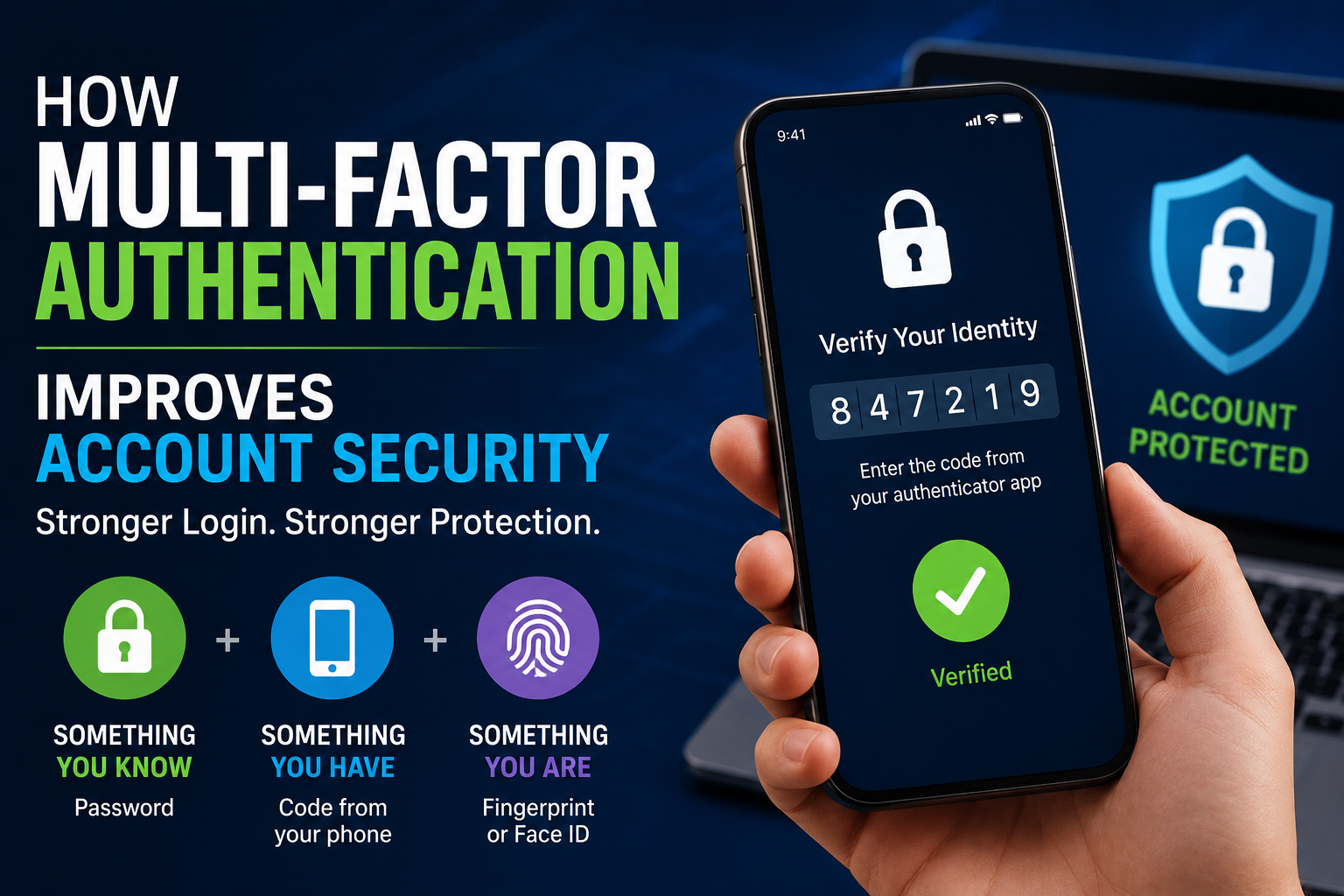
These practices should also be combined with broader identity and account protections. Strong authentication, for example, can help prevent attackers from accessing accounts even when credentials are compromised. See How Multi-Factor Authentication Improves Account Security for more information.
The Future of Wi-Fi Security
Wireless networking continues evolving alongside cybersecurity technologies.
Emerging developments include:
- AI-powered threat detection
- Advanced encryption methods
- Automated security monitoring
- Zero-trust networking
- Smarter home network protection
- Improved identity verification
- Enhanced device authentication
- Faster, more secure wireless standards
These innovations aim to provide stronger protection while supporting the growing number of connected devices.
Zero Trust is particularly relevant as organizations manage increasingly distributed users, devices, applications, and networks. Our Complete Guide to Identity and Access Security explains how identity, authentication, authorization, least privilege, and device security fit into modern access protection.
Protecting the Network Protects More Than the Connection
Wi-Fi security is a fundamental part of protecting personal information, connected devices, and online privacy. As more aspects of daily life depend on wireless internet, maintaining a secure network has become increasingly important for both households and businesses.
By using strong encryption, choosing secure passwords, updating router firmware, monitoring connected devices, and practicing safe online habits, users can greatly reduce the risk of cyberattacks and unauthorized access.
A secure wireless network is not an isolated security measure. It works alongside strong passwords, multi-factor authentication, endpoint protection, privacy controls, malware defenses, and broader cybersecurity practices.
The goal is not to make wireless networking difficult or inconvenient. It is to create sensible security boundaries around the devices and information that depend on it.
As homes and businesses continue adding connected devices, treating the Wi-Fi network as an important part of the overall security environment can provide greater confidence when working, communicating, shopping, and managing digital systems online.