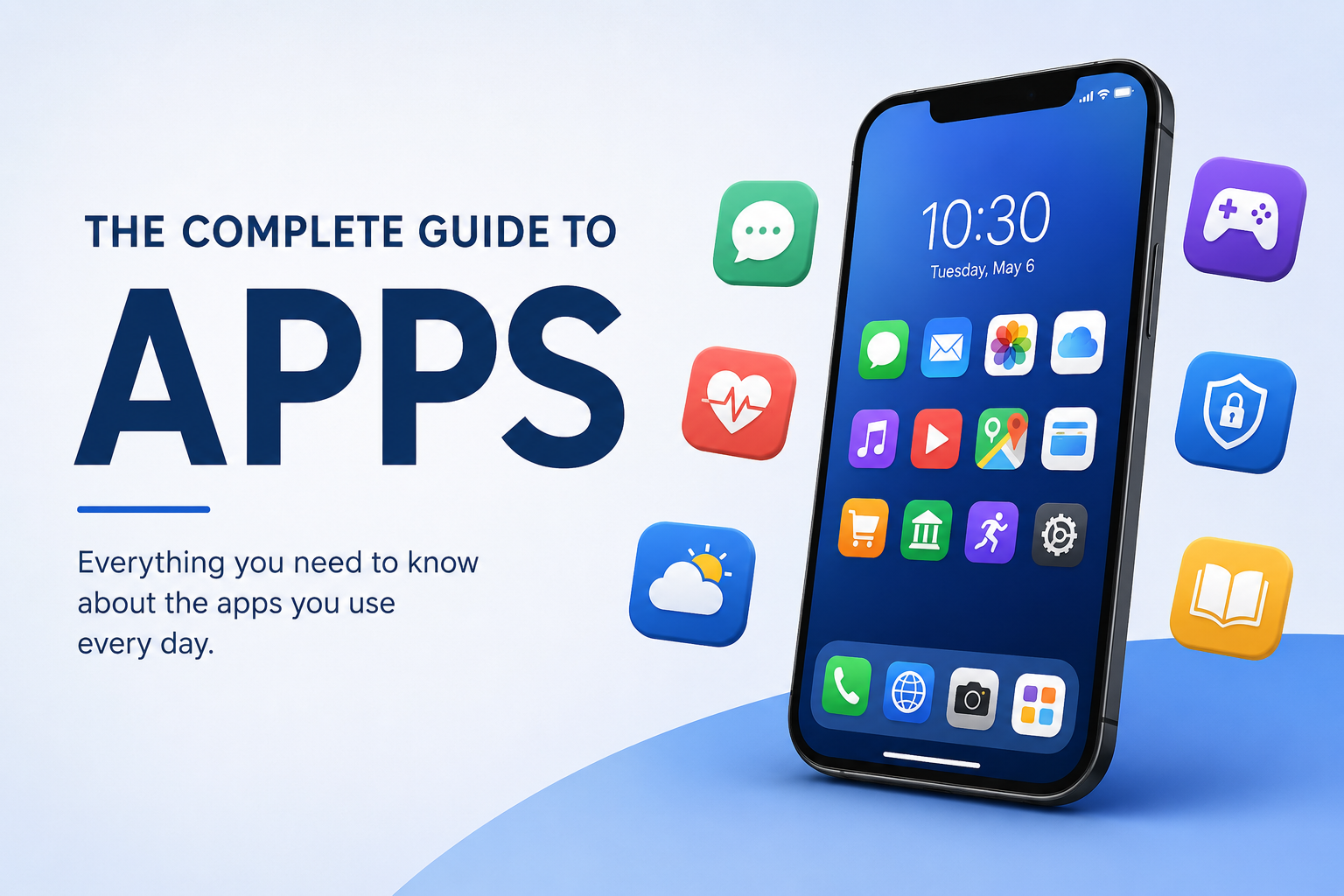
The Complete Guide to Apps
Apps have become one of the simplest ways to access digital services, communicate with other people, manage everyday tasks, learn new skills, and entertain ourselves. Whether someone is using a smartphone, tablet, computer, smartwatch, smart TV, or another connected device, there is likely an app designed for the job.
But what exactly is an app, how does it work, what types exist, and how can users choose and manage them safely?
This complete guide explains the world of apps, from basic concepts to security, privacy, installation, updates, and everyday use.
What Is an App?
An app, short for application, is a software program designed to perform specific tasks for a user.
Apps can be extremely simple, such as a calculator, or highly sophisticated, such as a banking application that securely connects users with financial services.
Modern apps can run on many types of devices, including:
-
Smartphones
-
Tablets
-
Windows PCs
-
Mac computers
-
Smart TVs
-
Smartwatches
-
Gaming consoles
-
Cars
-
Smart home devices
Although the word “app” is strongly associated with smartphones, applications have existed on computers for decades. The term became especially common with the growth of mobile app stores and smartphones.
How Do Apps Work?
At a basic level, an app contains software instructions that tell a device what to do.
When a user opens an app, the operating system provides the environment and resources the application needs to operate. Depending on its purpose, the app may also communicate with external servers over the internet.
For example, when someone opens a weather app, the application may:
-
Determine the user’s location.
-
Connect to a weather-data service.
-
Retrieve current information.
-
Process that information.
-
Display the results on the screen.
Some applications can perform most of their functions without an internet connection, while others depend heavily on online services.
Many modern applications also rely on cloud infrastructure to store data and provide services across multiple devices. This is particularly common with cloud software and SaaS.
The Main Types of Apps
There are several ways to categorize applications.
Mobile Apps
Mobile apps are designed primarily for smartphones and tablets.
Common examples include:
-
Messaging apps
-
Banking apps
-
Shopping apps
-
Fitness apps
-
Navigation apps
-
Social media apps
-
Streaming apps
-
Productivity apps
Mobile applications are usually distributed through dedicated app stores.
The way people interact with these applications also depends heavily on their interfaces. Understanding user interface software and how people use apps helps explain why some applications feel intuitive while others are difficult to navigate.
Desktop Apps
Desktop applications are designed for computers.
Examples include:
-
Word processors
-
Photo editors
-
Video editors
-
Accounting software
-
Web browsers
-
Development tools
-
Design applications
Desktop apps often provide more advanced features than their mobile counterparts because computers generally offer larger screens, more storage, and greater processing resources.
For a deeper look at the technology behind them, see how desktop applications work on personal computers.
Web Apps
A web app runs through a web browser rather than requiring a traditional installation.
Examples include online email platforms, cloud-based document editors, project-management systems, and many business applications.
One major advantage is convenience: users can often access the same service from different devices without installing separate software.
Progressive Web Apps
Progressive web apps, commonly called PWAs, combine characteristics of websites and traditional applications.
Depending on the implementation and device, a PWA can provide features such as:
-
Home-screen installation
-
Offline functionality
-
Notifications
-
Faster loading
-
App-like interfaces
This approach allows developers to deliver application-style experiences through web technologies.
Native Apps
A native app is developed specifically for a particular operating system or platform.
For example, an application may be built specifically for Android or specifically for Apple’s platforms.
Native development can provide strong performance and deep access to device capabilities, although maintaining separate versions for different platforms can require additional development work.
Cross-Platform Apps
Cross-platform applications are designed to operate across multiple platforms using shared development technologies.
This can allow developers to build and maintain applications more efficiently while still providing users with versions for different operating systems.
What Can Apps Do?
The range of things applications can accomplish is enormous.
Communication
Messaging and video-conferencing applications allow people to communicate instantly across long distances.
Productivity
Productivity apps help users create documents, manage tasks, organize schedules, take notes, and collaborate with colleagues.
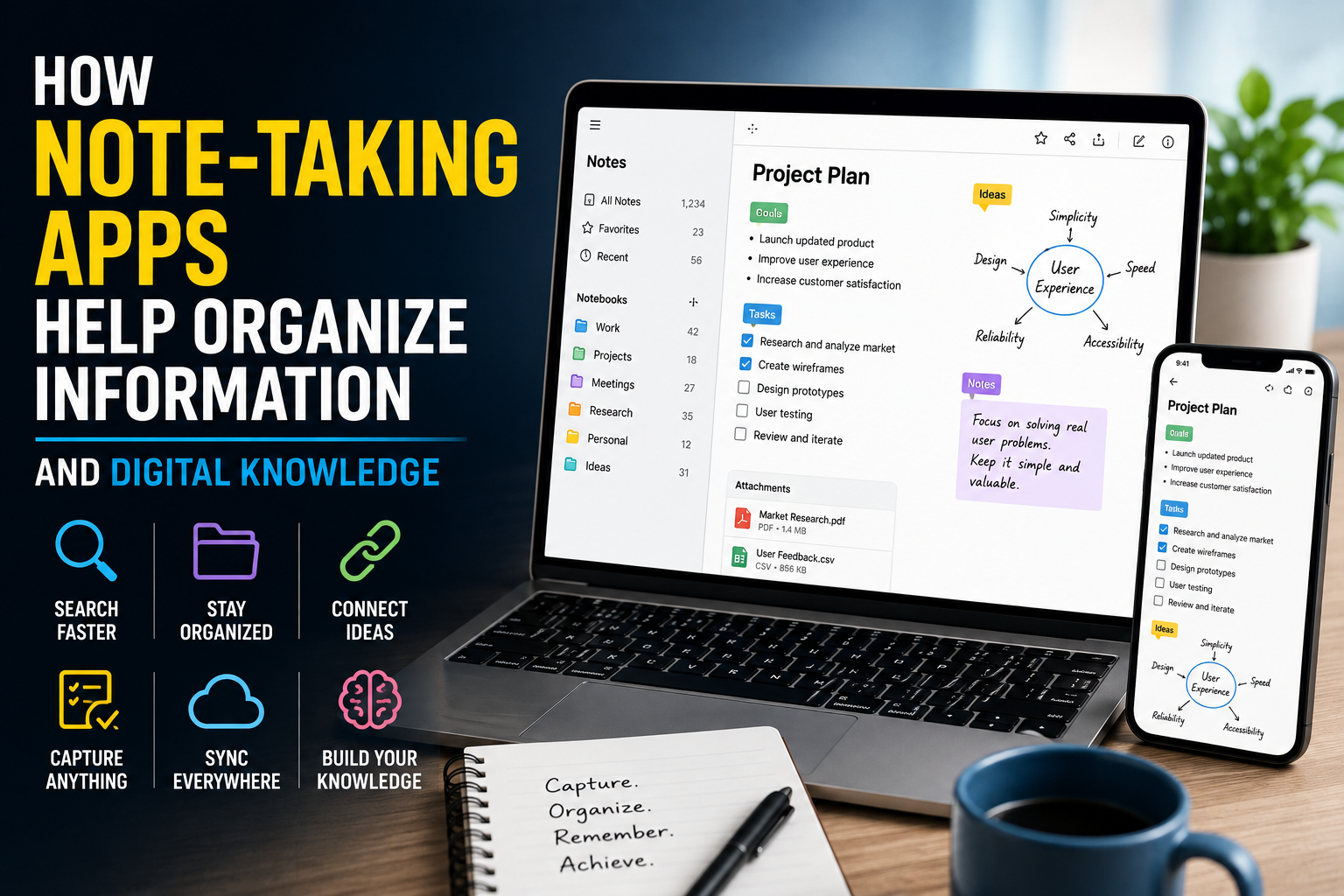
Note-taking applications are particularly useful for organizing information, ideas, tasks, and reference material. Users interested in this area can explore how note-taking apps help organize information and digital knowledge.
Creative Work
Applications have also become essential tools for photography, video production, audio editing, graphic design, illustration, and other creative activities. Different categories of creative applications provide specialized tools for producing and editing digital content. Learn more about what creative software does for photo, video, audio, and design work.
Finance
Financial applications can provide access to banking services, budgeting tools, payments, investment information, and transaction histories.
Because financial apps handle sensitive information, security and privacy are particularly important.
Entertainment
Streaming, gaming, music, reading, and other entertainment applications have transformed how people consume digital media.
Education
Educational apps can provide courses, language-learning exercises, study tools, reference materials, and interactive lessons.
Health and Fitness
Apps can help users track activities, workouts, sleep patterns, nutrition, and other health-related information.
However, users should distinguish between general wellness tools and applications intended for medical purposes.
Navigation and Travel
Mapping and travel applications can provide directions, location information, transportation details, accommodation tools, and travel planning features.
Smart Home Control
Many modern applications can communicate with connected household devices, allowing users to control lighting, thermostats, cameras, appliances, and other equipment.
Apps and Operating Systems
An application’s compatibility depends partly on the operating system it was designed to support.
Common operating systems include:
-
Android
-
iOS
-
Windows
-
macOS
-
Linux
-
ChromeOS
An app created for one operating system may not automatically work on another.
This is why developers often create different versions of the same application or use cross-platform development technologies.
For a broader explanation of how the software layer supporting applications works, see the complete guide to operating systems.
Where Do Apps Come From?
Most users obtain applications through official software stores or directly from reputable developers.
Examples include mobile app stores, desktop software marketplaces, and official developer websites.
Official distribution channels can provide additional security features, including application review, malware scanning, developer verification, and automated updates.
That does not mean every app is automatically safe. Users should still investigate unfamiliar applications before installing them.
How to Choose a Good App
The number of available applications can make choosing one difficult.
Instead of relying solely on download counts or star ratings, consider several factors.
Check the Developer
Look at who created the application.
A recognizable and established developer may provide more information about security, privacy, support, and updates.
Read Recent Reviews
Reviews can reveal problems that may not be obvious from an application’s description.
Pay particular attention to recurring complaints about:
-
Crashes
-
Excessive advertisements
-
Subscription problems
-
Poor customer support
-
Privacy concerns
-
Battery consumption
Examine Permissions
Before installing an app, check what information or device functions it wants to access.
An application may reasonably need certain permissions to perform its main function, but excessive or unrelated permissions deserve scrutiny.
Check the Update History
Regular updates can indicate that a developer continues to maintain the application.
An app that has not been updated for a very long time may have compatibility, security, or performance problems.
Understand the Pricing
An app advertised as “free” may use advertising, optional purchases, subscriptions, or other monetization models.
Understand what is included before committing to a service.
Understanding App Permissions
App permissions determine what resources an application can access.
Depending on the device, permissions may include access to:
-
Camera
-
Microphone
-
Location
-
Contacts
-
Photos
-
Files
-
Notifications
-
Bluetooth
-
Calendar
Permission requirements vary depending on what an application does.
A navigation app, for example, may legitimately need location access. A simple calculator generally has little reason to require access to contacts or a microphone.
Users should review permissions periodically rather than approving every request automatically.
App Security and Privacy
Apps can contain sensitive information, making security an important consideration.
A good application should use appropriate security practices to protect user accounts and data.
Users can also reduce their risks by following basic habits.
Keep Apps Updated
Updates can introduce new features, improve compatibility, fix bugs, and address security vulnerabilities.
For a more detailed explanation, see how software updates work and why they matter.
Use Strong Passwords
When an app requires an account, use a strong, unique password.
Password reuse can make multiple accounts vulnerable if one service experiences a security breach.
Enable Multi-Factor Authentication
Where available, multi-factor authentication adds another layer of protection beyond a password.
Download From Trusted Sources
Avoid installing applications from unknown websites or suspicious links unless you fully understand the source and risks involved.
Review Privacy Settings
Many applications offer controls for data collection, personalization, location sharing, notifications, and other features.
Reviewing these settings can help users make more informed decisions.
Why Apps Need Updates
Applications are not finished forever once they are installed.
Developers routinely release updates to improve software.
Updates can:
-
Fix bugs
-
Improve performance
-
Add features
-
Improve compatibility
-
Address security vulnerabilities
-
Change privacy controls
-
Resolve crashes
Automatic updates can make maintenance easier, although users may still want to review major changes to an application’s permissions, pricing, or privacy policy.
Free Apps Versus Paid Apps
Apps generally use several business models.
Free Apps
Some applications are completely free, while others offer free access with limitations.
Freemium Apps
Freemium apps provide basic functionality at no cost while charging for premium features.
Subscription Apps
Subscription-based applications charge users regularly, such as monthly or annually.
One-Time Purchase Apps
Some applications require a single payment to unlock the software or additional features.
Advertising-Supported Apps
Some applications generate revenue by displaying advertisements.
Understanding the business model can help users avoid unexpected charges.
The business model can also be influenced by the software’s licensing structure. Users who want to understand the difference between free, paid, open, and restricted software can explore the complete guide to software licensing.
In-App Purchases Explained
An in-app purchase occurs when users pay for something from within an application.
These purchases can include:
-
Premium features
-
Digital products
-
Additional content
-
Virtual items
-
Subscriptions
-
Ad removal
Parents should pay particular attention to in-app purchasing on devices used by children.
Why Some Apps Use So Much Storage
Applications can consume more storage than users expect.
The original application may be relatively small, but downloaded media, cached files, offline content, databases, and user-generated data can significantly increase its storage footprint.
Large games and video applications are particularly likely to consume substantial amounts of storage.
Clearing unnecessary cached data or removing unused downloads can sometimes recover space.
File-related applications can also play an important role in keeping digital content organized. For example, file management software helps users store, organize, find, and manage files on their devices.
Apps and Battery Life
Some applications can consume considerable battery power, especially those that frequently use location services, cameras, networking, graphics processing, or background activity.
If a device’s battery drains unusually quickly, users can examine battery-usage settings to identify applications responsible for significant consumption.
Reducing unnecessary background activity can help extend battery life.
What Happens When You Delete an App?
Deleting an application removes its software from the device, but it does not necessarily delete the account or information stored on the developer’s servers.
For example, uninstalling a social media application does not automatically delete the associated account.
Users who want their data removed may need to use the service’s account-management or deletion process separately.
Apps Versus Websites
Apps and websites can provide similar services, but they have different characteristics.
| Feature | Apps | Websites |
|---|---|---|
| Installation | Usually required | Usually not required |
| Browser required | Usually no | Yes |
| Device integration | Often extensive | More limited |
| Updates | Usually managed through software distribution | Often immediate on the server |
| Offline use | Possible for many apps | Depends on implementation |
| Cross-device access | Can vary | Often straightforward |
Neither approach is universally better. The best option depends on the service and the user’s needs.
Common App Problems
Even well-designed applications can encounter problems.
App Crashes
Crashes can result from software bugs, compatibility issues, insufficient resources, or outdated versions.
Updating the application and operating system is often a useful first step.
Slow Performance
Performance problems may result from limited device resources, excessive background activity, network problems, or poorly optimized software.
Login Problems
Incorrect credentials, expired sessions, authentication problems, and server-side issues can all prevent users from signing in.
Storage Problems
Large applications and accumulated data can eventually consume significant amounts of device storage.
Notification Problems
Notifications may fail because they have been disabled, restricted by battery-saving settings, or affected by application permissions.
How to Manage Apps Effectively
Good app management does not require constant attention.
A simple routine can help:
-
Remove applications you no longer use.
-
Keep important applications updated.
-
Review permissions periodically.
-
Check subscriptions regularly.
-
Monitor storage usage.
-
Review battery consumption.
-
Use screen locks and account security.
-
Download applications from reputable sources.
These practices can improve both device performance and digital security.
The Future of Apps
Applications are increasingly becoming connected to artificial intelligence, cloud computing, automation, and other emerging technologies.
AI-powered applications can now assist with tasks such as writing, translation, image creation, research, coding, scheduling, and data analysis.
Apps are also becoming more interconnected with wearable devices, vehicles, smart homes, and other connected systems.
This could gradually change the traditional idea of an app. Instead of opening a separate application for every task, users may increasingly interact with intelligent assistants that coordinate multiple services behind the scenes.
The underlying technology may change, but the fundamental purpose remains the same: software that helps people accomplish useful tasks.
Common Mistakes App Users Should Avoid
Several simple mistakes can create unnecessary problems.
Installing Too Many Apps
More applications mean more storage use, notifications, background activity, and potential security exposure.
Ignoring Permissions
Approving permissions without checking them can result in unnecessary access to personal information or device features.
Keeping Unused Apps
Unused applications can take up storage and may continue receiving permissions or background access.
Ignoring Updates
Outdated applications can become incompatible with newer operating systems and may miss important security fixes.
Forgetting Subscriptions
Free trials can sometimes transition into paid subscriptions. Users should monitor recurring payments and cancel services they no longer need.
Downloading Suspicious Apps
Applications obtained from unknown or untrusted sources can expose devices to malware and other security threats.
A Smarter Way to Use Apps
The best app strategy is not to install as many applications as possible. It is to build a small collection of trustworthy tools that genuinely improve everyday life.
Before installing an application, ask:
-
What problem does this app solve?
-
Who developed it?
-
Does it need the permissions it requests?
-
How does it make money?
-
Is it regularly updated?
-
What do recent users say about it?
-
What personal information will I provide?
-
Can I accomplish the same task more safely or simply another way?
Those questions can help users make better decisions in an increasingly app-driven digital world.
Building a Safer, More Useful App Collection
Apps have evolved from simple programs into essential gateways to communication, work, entertainment, finance, education, transportation, and countless other services.
Their convenience comes with responsibilities, however. Users need to understand permissions, privacy, subscriptions, security, updates, and the data they share.
As applications become increasingly intelligent and interconnected, digital literacy will become just as important as the technology itself. Knowing which apps to trust, what access to give them, and when to remove them can help users get the benefits of modern software without unnecessarily increasing their digital risks.
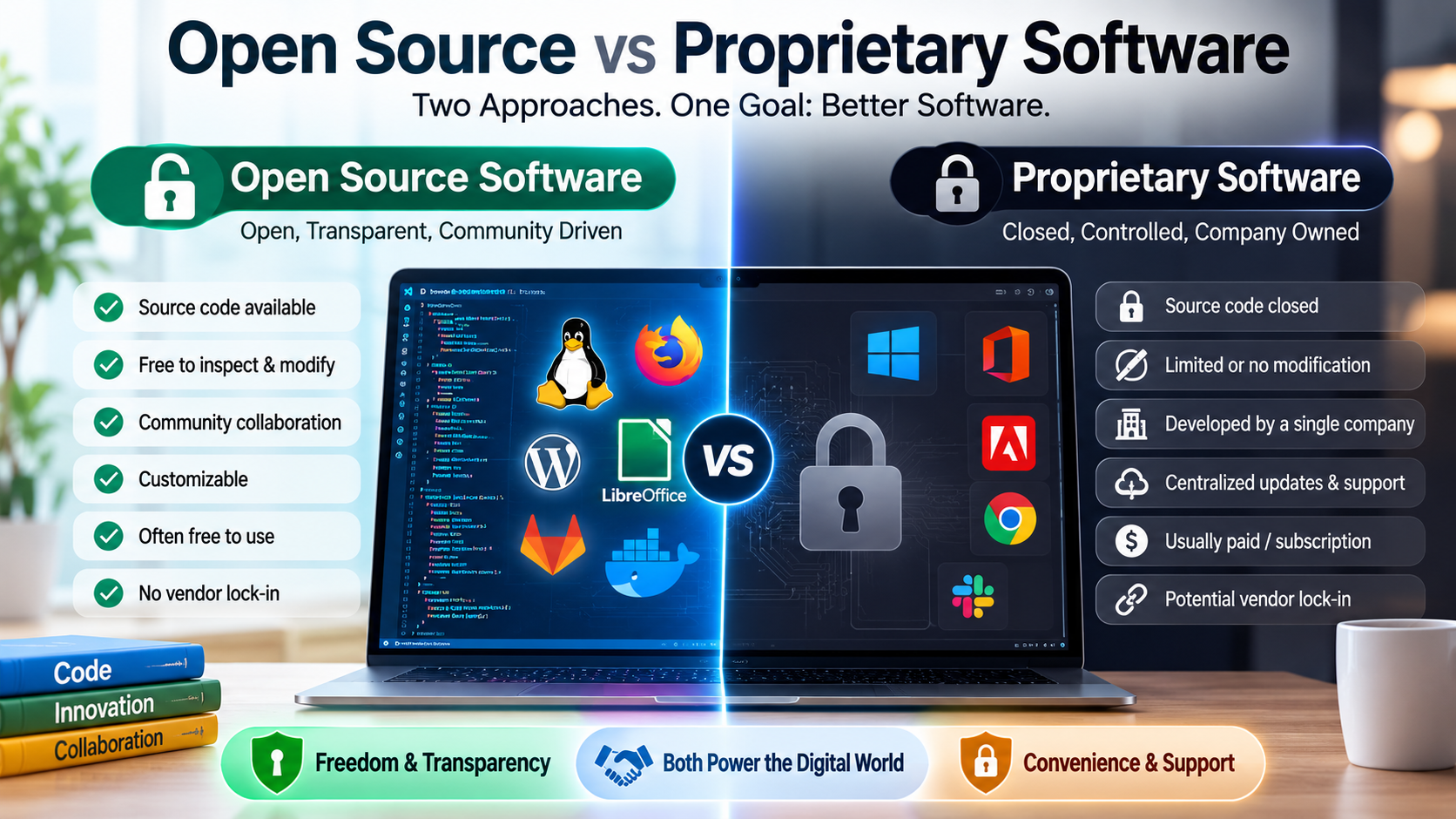
For readers exploring the broader software ecosystem, these principles connect naturally with topics such as open source software and how it differs from proprietary software and document management software, which show how specialized applications are designed to solve particular digital problems.